
You can now add image galleries to your blog posts. Like this!
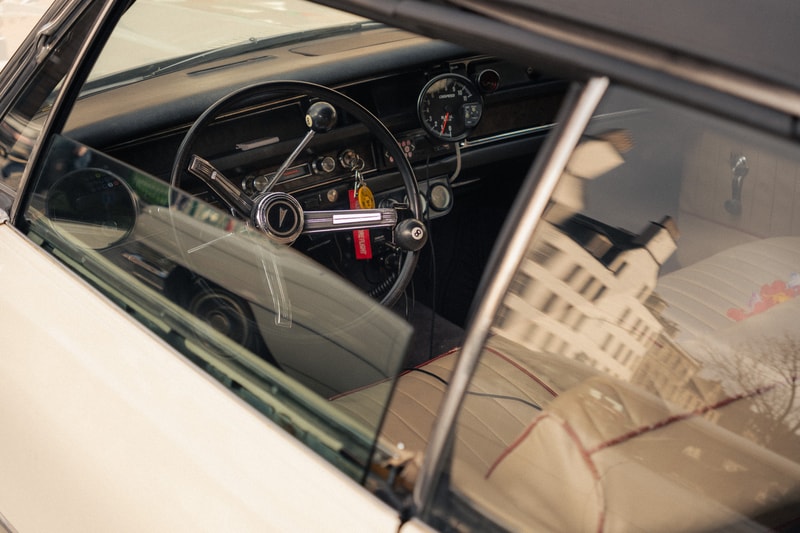
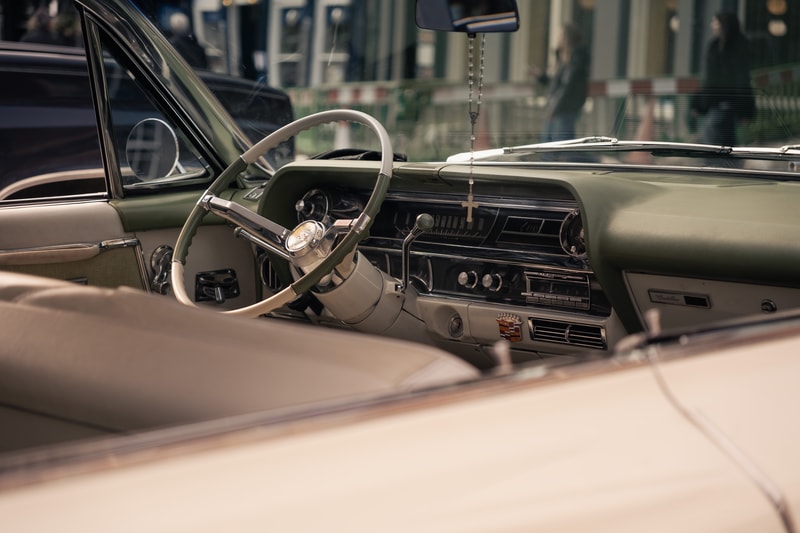
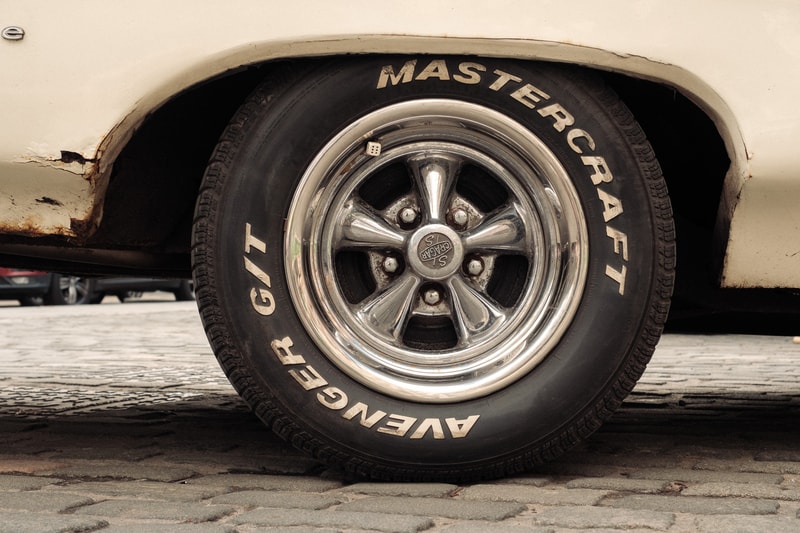
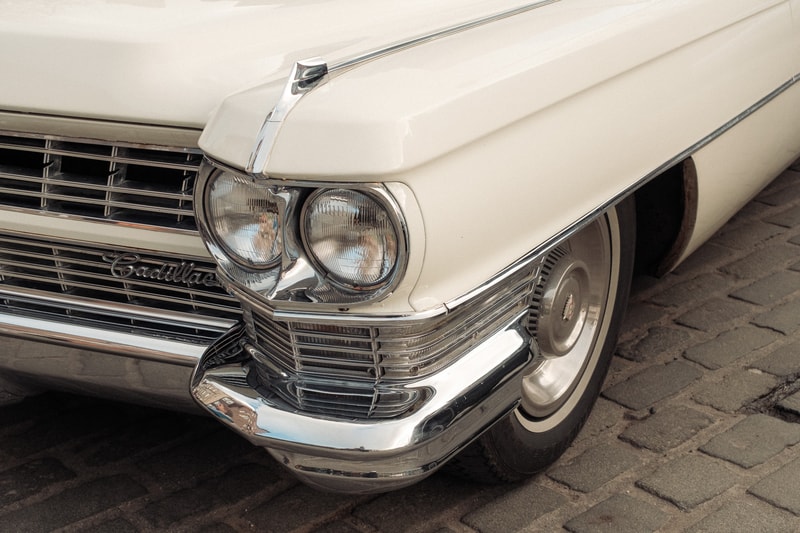
To create a gallery, click the new paperclip icon (which has replaced the image icon) in the toolbar and select multiple images at once. You can also drag multiple photos straight into the editor. Either way, they'll be arranged in a grid automatically.
If you have two or four images, they display in a 2-column grid. For three or more, they'll be arranged in a 3-column grid. Larger galleries wrap onto new rows, always with a maximum of three images per row. Aspect ratios are preserved throughout, so your photos won't get cropped or stretched 👌
Want to add more images to an existing gallery? Just drag a new photo over an existing one and it will be added to the gallery group.
Looking forward to seeing your photos!
photos ©️ ollyheadey.com