
Pagecord Classic, the free forever plan, allows unlimited posts but you can’t upload your own images. This feature is only available on the premium plan, mainly to discourage abuse but also to save on costs – it helps make Pagecord sustainable.
Understandably many people don’t want to pay for a blog, but they do want to add images. Fortunately there’s a simple workaround that allows you to do this with Pagecord for free. Let me show you how.
Referencing an existing image
If there’s an image already out there on the web that you’d like to include, simply paste the link in the Pagecord editor (or in your email if you’re posting by email).
Links to images are detected by Pagecord so when you view the post on your blog, the image is displayed. I’ve pasted a link to a photo of mine below – hopefully you’ll see the image, not the link:
https://i.postimg.cc/7ZPZjy0H/perucab.jpg

Adding your own image
More often you have an image of your own that you’d like to add. The trick to adding these to a Pagecord post is first uploading them to an image hosting service, then including the link.
This isn’t as tricky as it sounds, and there are some very good free image hosting options out there. Here are some you might want to consider.
- PostImage is a free image hosting service that has been around for over 20 years. You can upload images for free, and you don’t even need to create an account (but it’s advantageous to do so).
- cubeupload is similar to PostImage. It’s run by three developers in the UK who “do it all for the love of it”!
- ImageKit is a professional image and video platform, but they also offer a generous free plan for image hosting. They seem like a nice company to me.
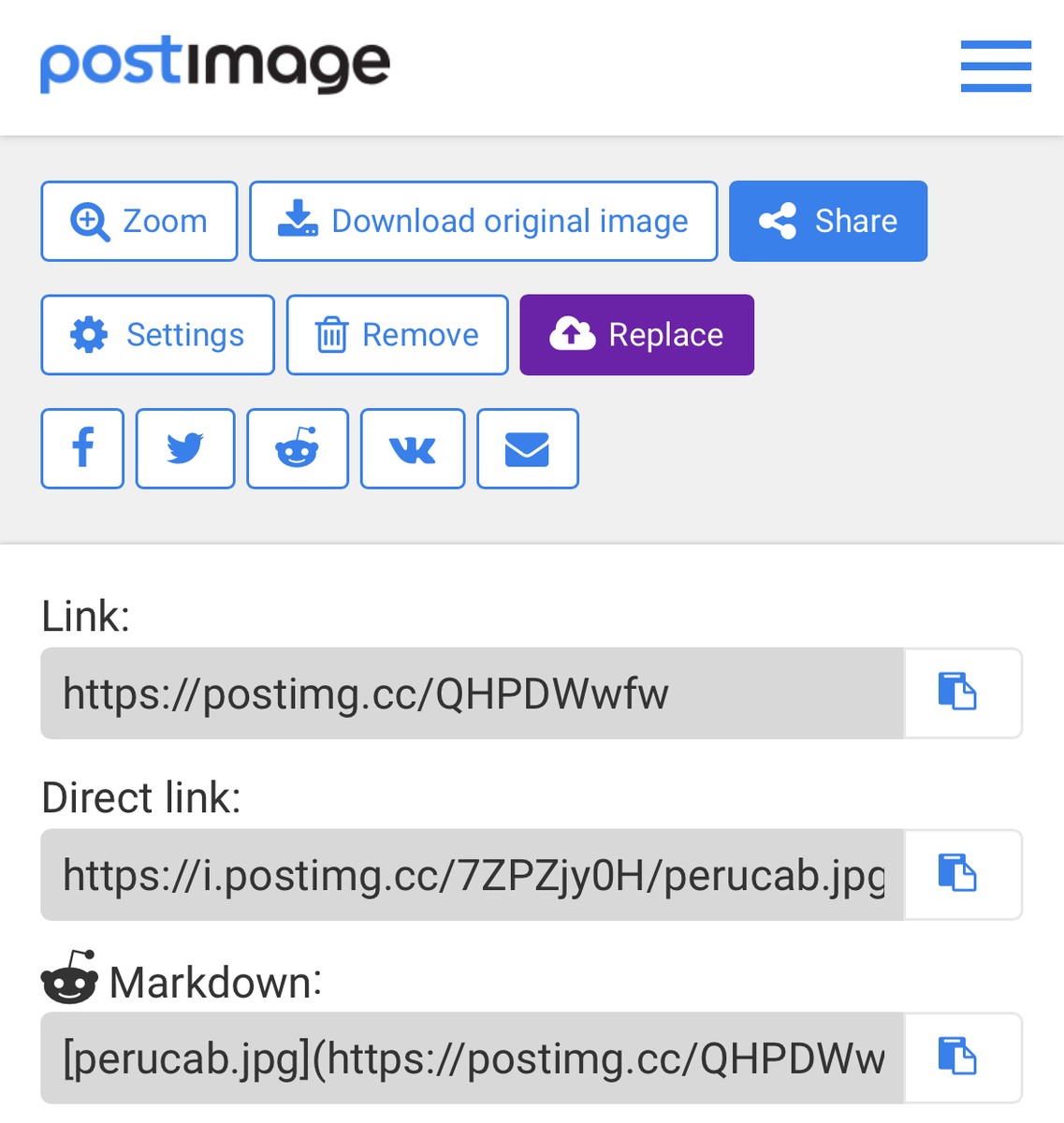
Uploading an image to these services is easy. Once uploaded you get a link to copy which can directly paste into your blog post.
Here’s what it looks like in PostImage after uploading a photo (“Direct link” is what you want):
That’s it!
If you’re on the free plan, I’d encourage you to give it a go. I’d love to know how you find it. Happy posting!