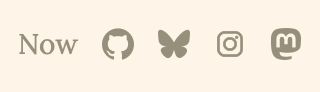
It's common to want to add links from your blog to other places you have a presence out on the internet, such as Instagram, YouTube, Bluesky or X. Pagecord makes this easy by allowing you to add "Social Links" which appear as icons at the top of your blog, alongside any Pages you've created:
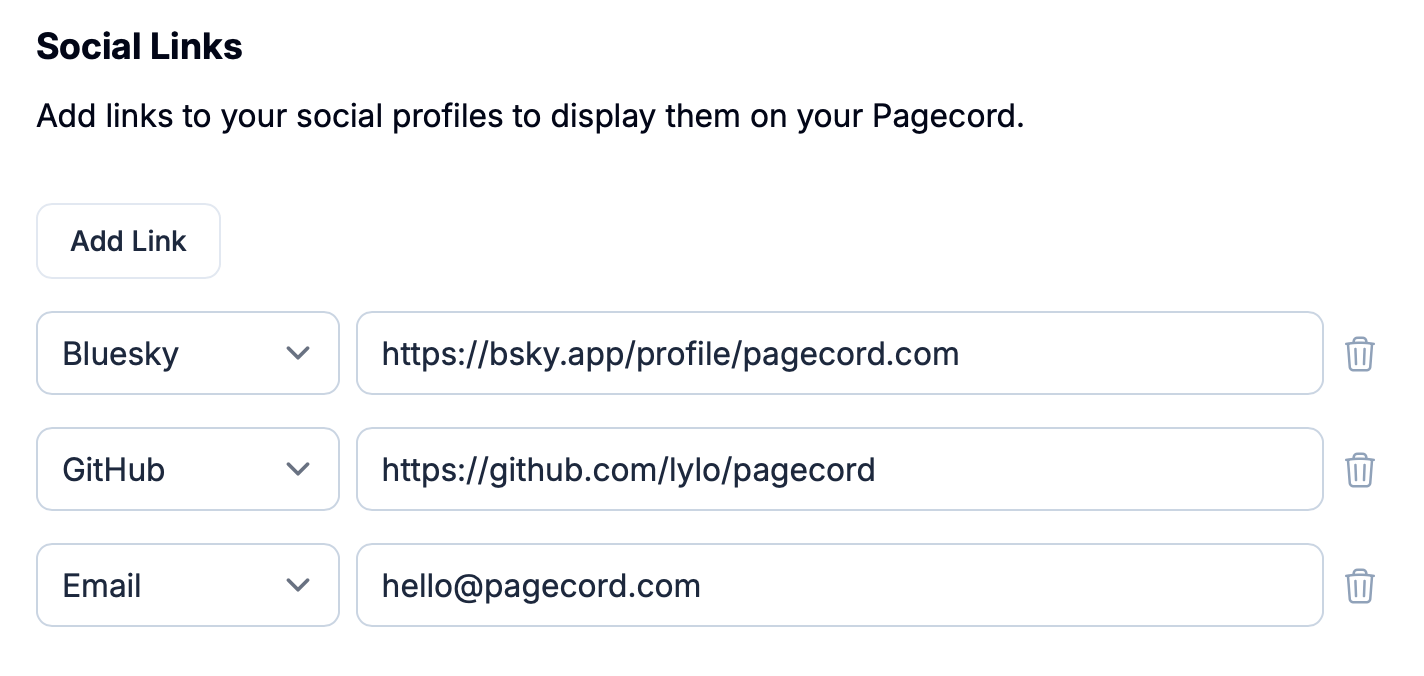
To add a social link, head to Settings > Appearance where you'll find a section called Social Links. Click on Add Link, select the type enter the URL to your profile and then click the Update button at the bottom of the form.
To delete a link, click the trash icon and click Update again.
The sites which are currently supported are:
Bluesky
Email (i.e. your contact email)
GitHub
Instagram
LinkedIn
Mastodon
RSS (this gets pre-populated to your blog RSS feed)