A handy new feature launched today to help you keep your posts organised - Tags!
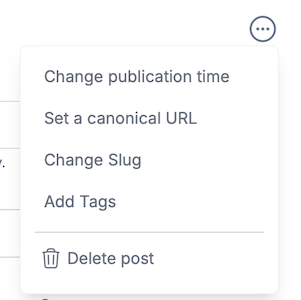
When creating a post in the editor, you can use the drop-down menu to add tags to the post:
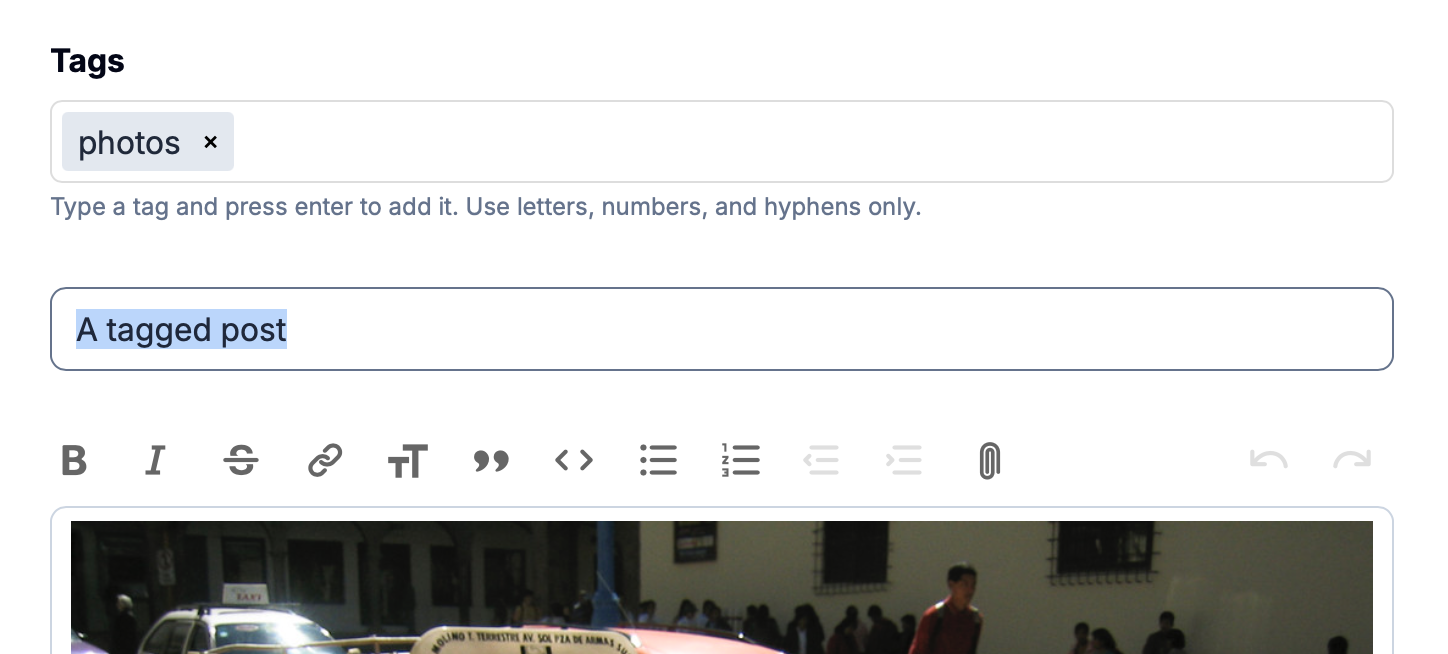
This brings up a new field where you can type your tags. Just type the name and hit enter (or tab) to add the tag, not forgetting to save your post.
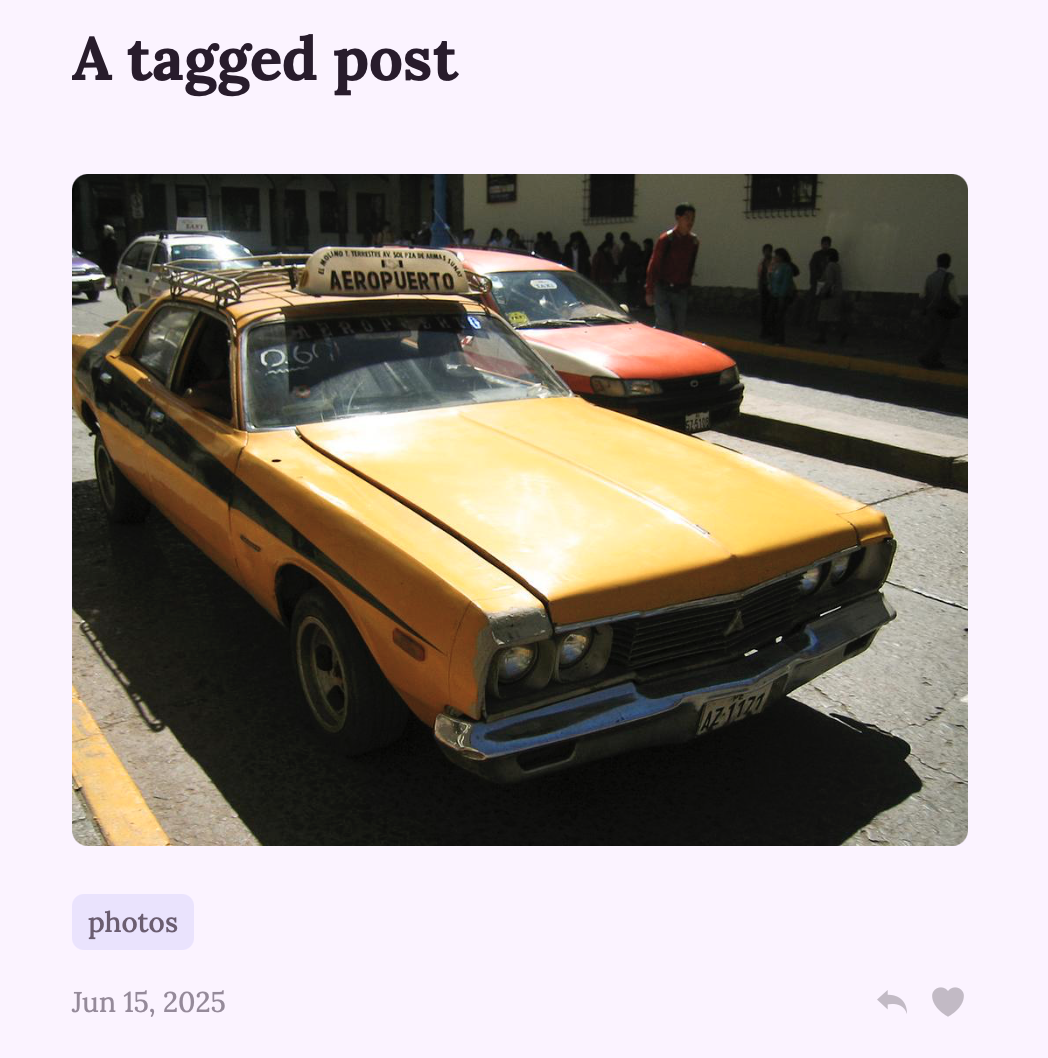
Any tags you add will be displayed in the post footer:
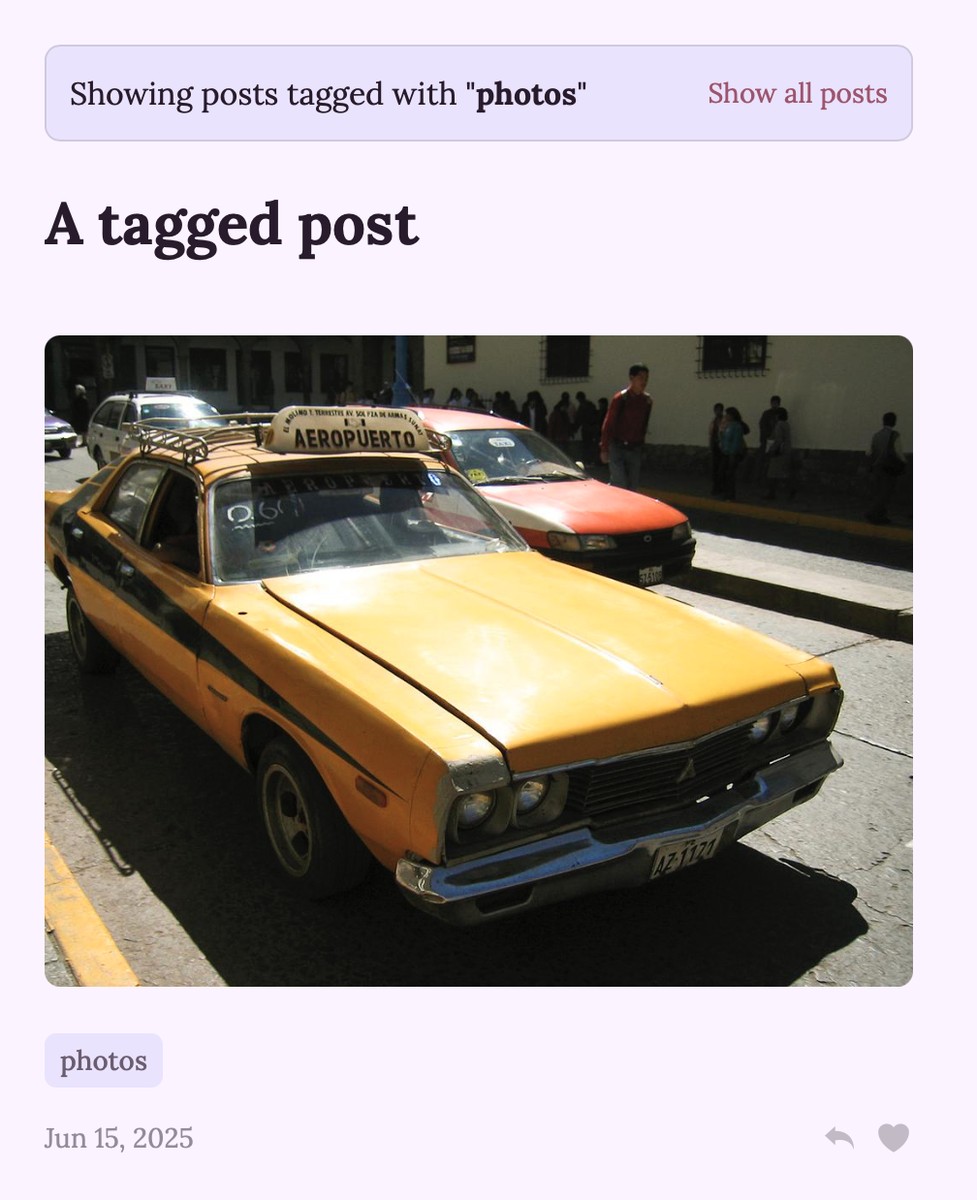
These are clickable links, and clicking on one will display all the posts with that tag:
Tags will appear on the home page if you're using the Stream layout, but not if you're using the Titles layout. They will also be displayed in your admin list of posts:
It's not yet possible to tag a post if you're publishing via email, but that's something I'll definitely be looking at in the future so watch this space!