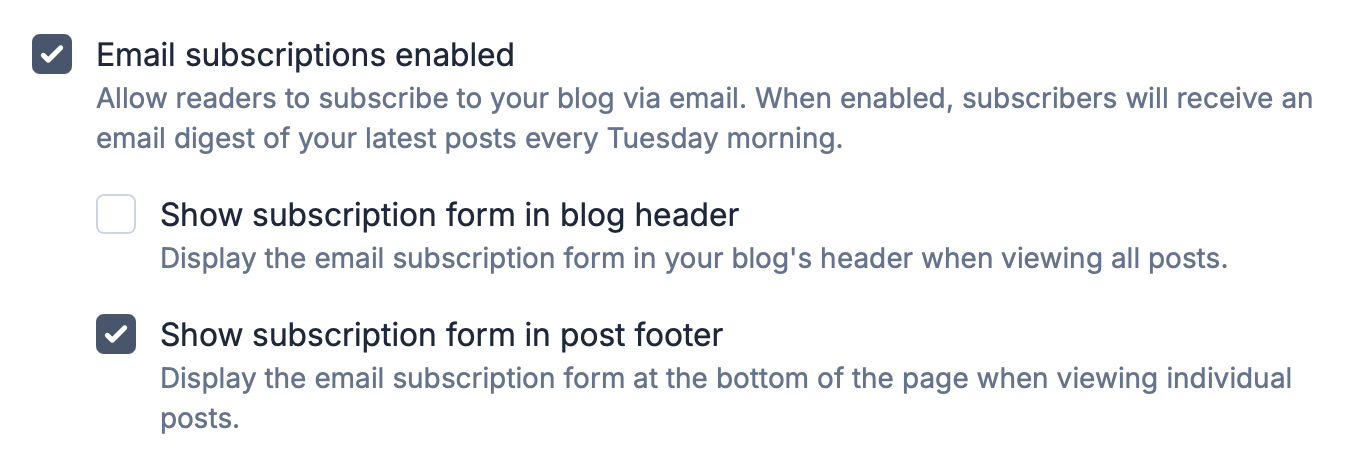
If you're a premium customer, you can now decide where to show your email subscription form.
In the Audience section of your Settings area you'll see two new options beneath the main email subscriptions toggle. The first checkbox controls whether the subscription form appears in your blog header on the home page. The second controls whether it appears at the bottom of individual posts.
These options are enabled by default so your blog will work exactly as it did before, but now you have the flexibility to turn either one off if you prefer a cleaner layout in certain places.