Pagecord was originally "blogging by email" only. There wasn't an in-app editor – you composed your posts in your email client of choice, then clicked send to publish. Draft posts would be saved in your email – Pagecord only dealt with published posts.
Email is still (IMO!) the best way to blog using Pagecord, but lots of customers prefer to use the in-app editor. Originally the app editor didn't have the concept of a draft post, but thankfully now it does! ✨
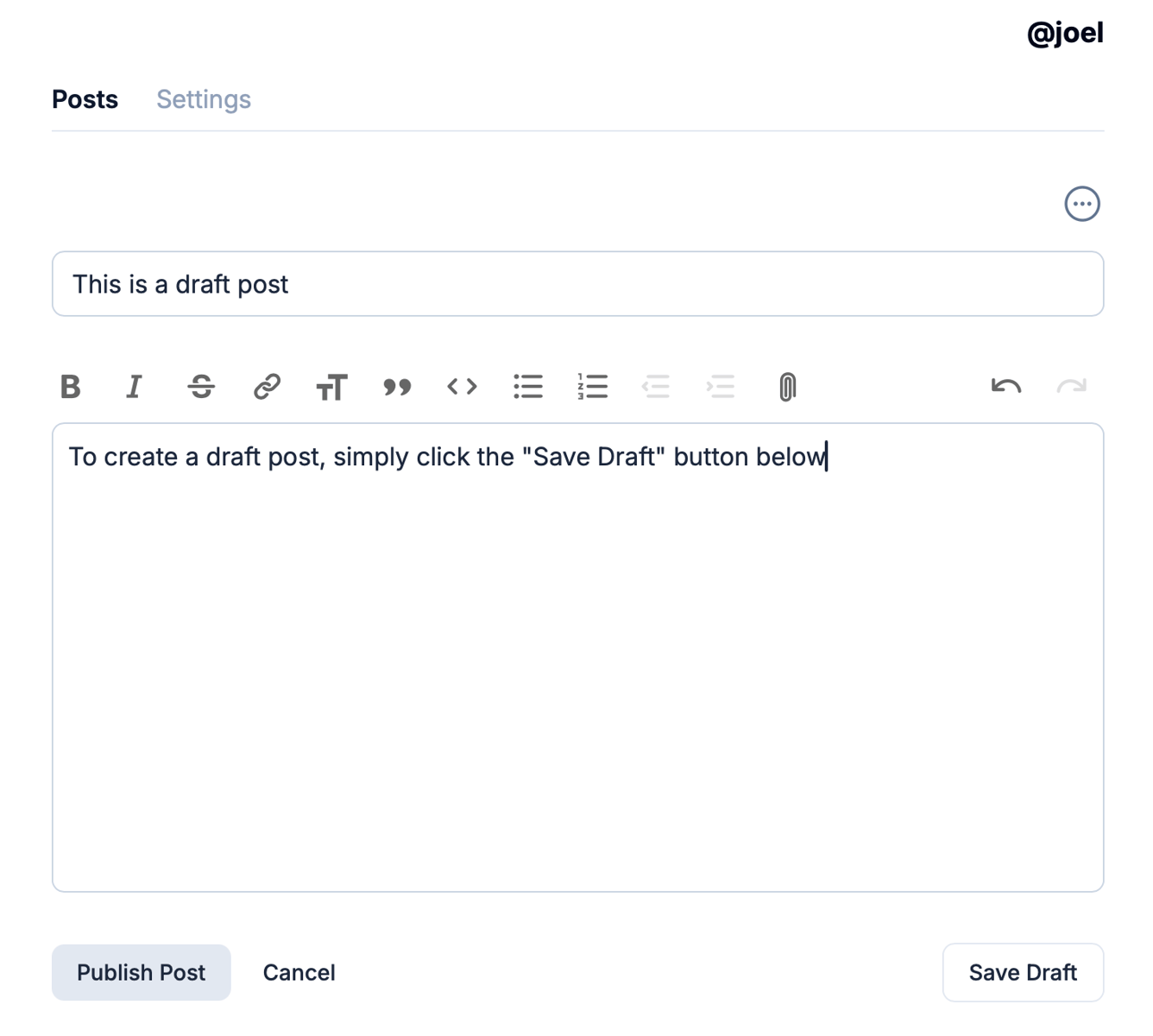
When you create a new post in the app, you'll see a new "Save Draft" button which does exactly that:
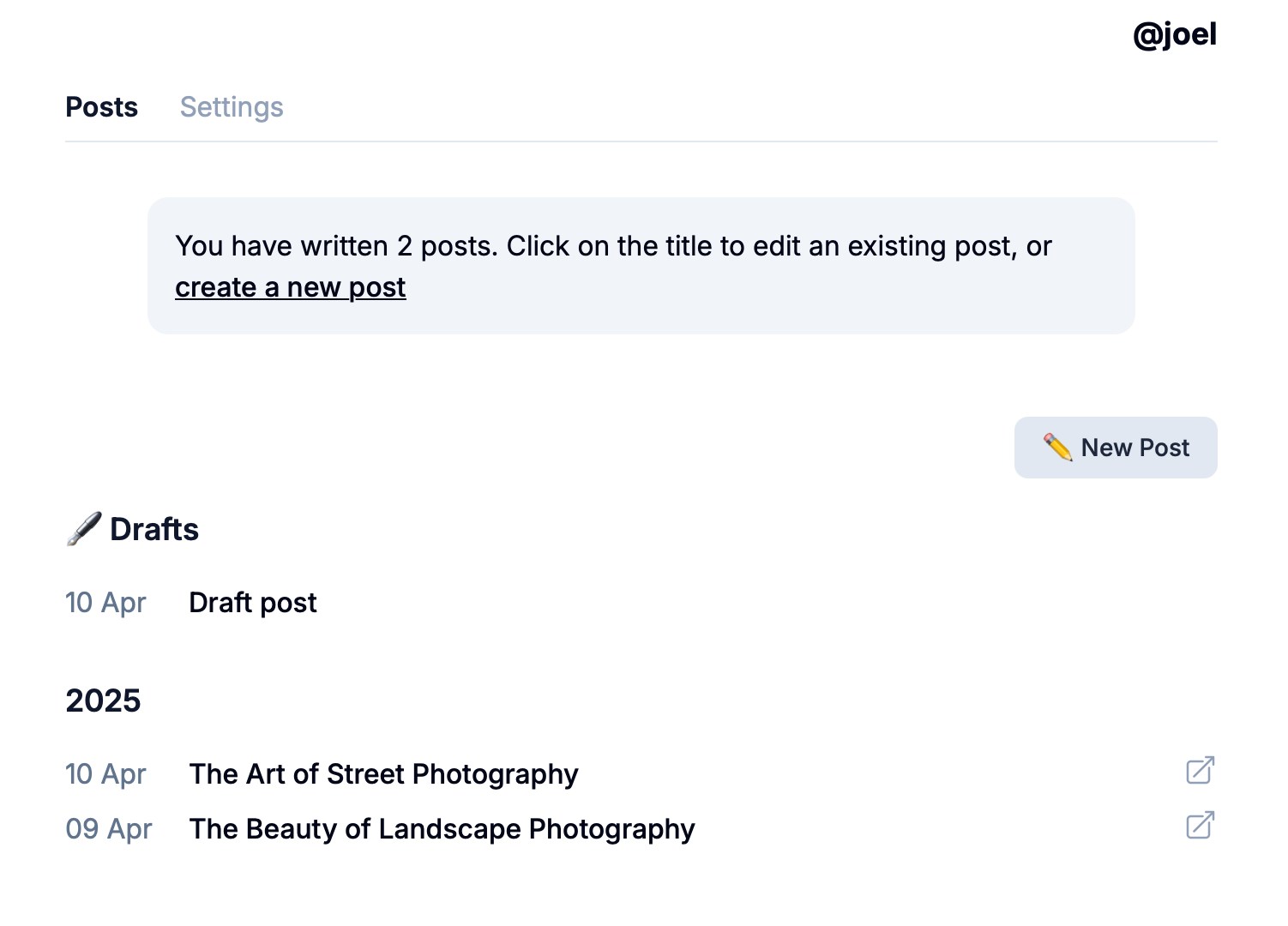
If you save a draft post, you'll then see a new section at the top of your (newly redesigned!) post list of all your current drafts:
Hopefully you'll find this feature useful. As always, drop me an email if you have any thoughts or feedback.