
Pagecord is intentionally simple and I'd like to keep it that way. You compose your posts in your email editor of choice, click Send, then let Pagecord handle the rest. It's a delightfully simple workflow and that's the point.
The problem is that it's all too easy to make a typo and not spot it until later. Or to get a link to a URL wrong, or forget to add it in the first place. Or maybe you embed an image in your post then realise you needed to put a new line after it to make it look right in your post.
Until now, the Pagecord solution to this was to delete the post and resend the email. This is acceptable if you spot the issue just after posting, but if you've already shared a link to the post online, you can't delete and recreate without that link breaking. Urgh. Not good.
Time to bite the bullet.
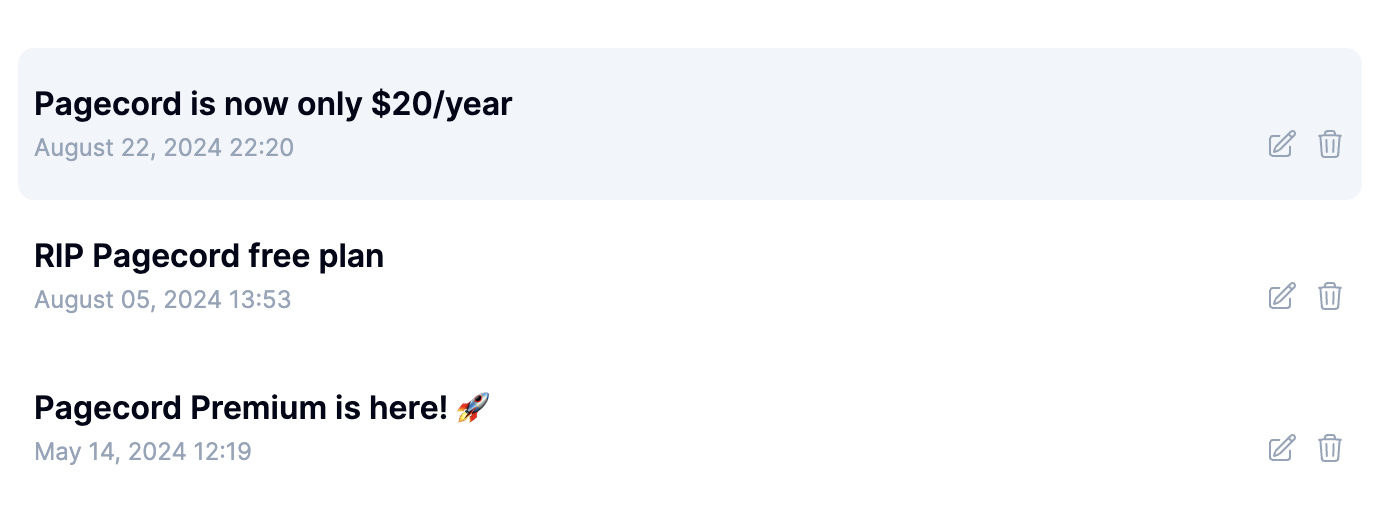
Pagecord now supports editing your posts! Simply log in and click the edit icon next to the post you want to tweak:
This will bring up a new edit screen where you can make your adjustments and save the changes:
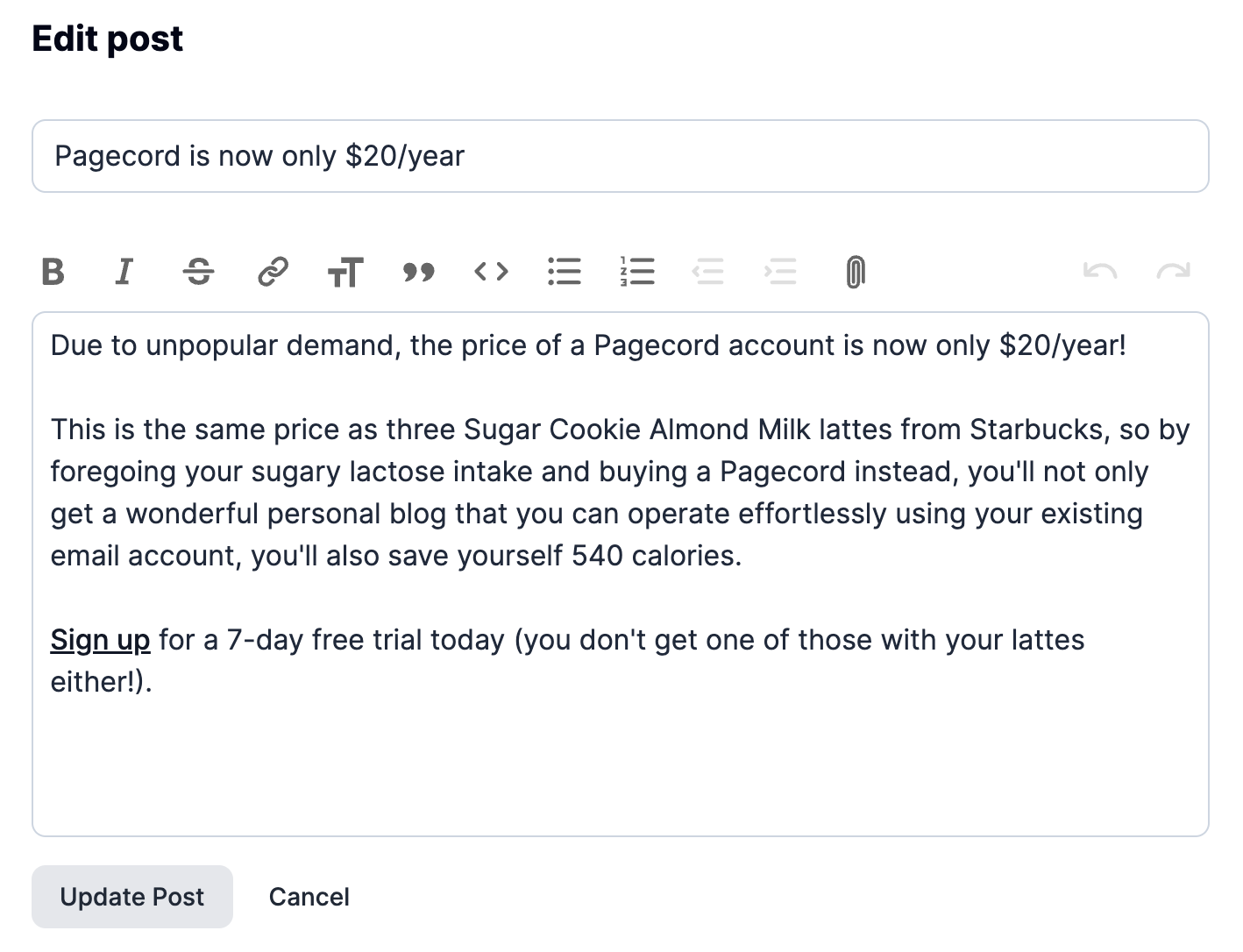
You might notice occasionally that the formatting in the Pagecord editor looks a little off. This will be because the HTML format of emails can differ wildly between email clients like Gmail, Outlook, Fastmail or Yahoo. There's no consistent representation, unfortunately. Pagecord tries its very best to make it look ok, but you might need to tweak things in the editor before saving if it's not quite right. Hopefully this will be rare, but once tweaked in the editor it will look fine on your page.
Happy editing! ✨