Now and again you might want to create a post on your blog that you don't want the public (or Google) to see. Well Pagecord now let's you do just that!
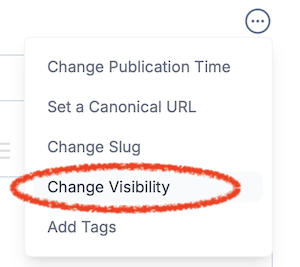
When you create a new post, you'll see a new option called Change Visibility in the action menu.
Clicking this displays a new Post Visibility section with a checkbox:
Check this box and publish the post. It's now public, but hidden from your blog. You won't see it when you visit your blog home page. It's not in your sitemap.xml and the page has <meta name="robots" content="noindex, nofollow"> added to it for good measure.
When you look at your list of posts in the Pagecord admin, you'll see a new hidden icon next to it:
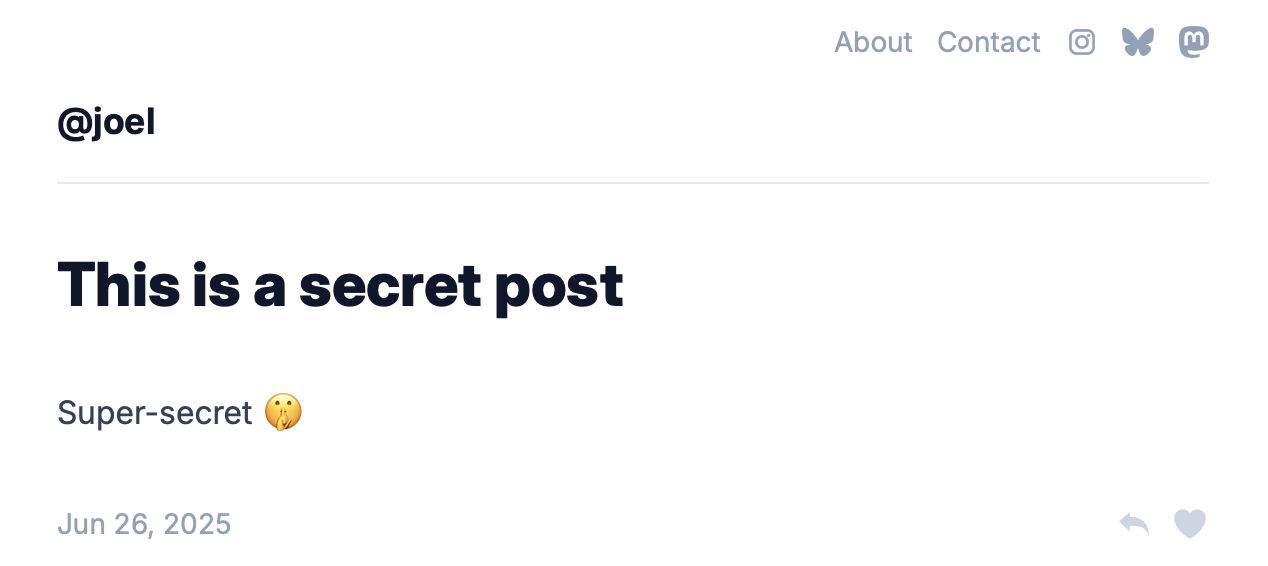
You can view your hidden post by clicking the visit link, where you can grab the incognito URL and share it with friends, family or one of your espionage-related acquaintances.