
Pagecord's settings have always been intentionally minimal, but the Appearance page was starting to feel like it was doing too much.
Bio and Title sat alongside colour schemes and custom CSS – things that don't really belong together.
I've now split things into two distinct Settings areas, and take the opportunity to improve the experience of updating Appearance settings.
Two pages instead of one
The old Appearance page has been split into two separate settings areas:
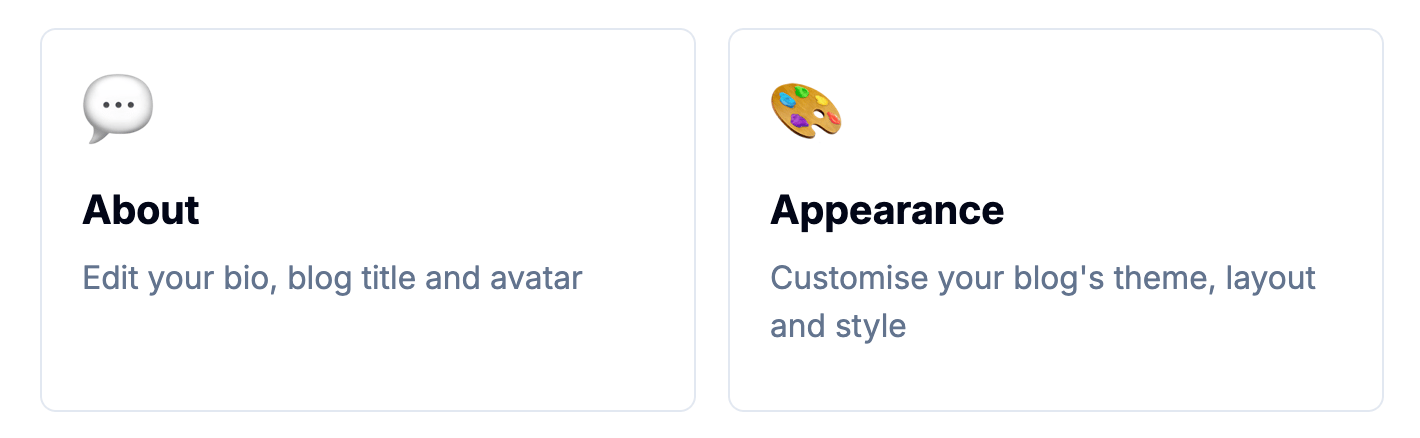
- About – This is where you set your bio, blog title, and avatar. The "who you are" stuff.
- Appearance – This is for your colour scheme, font choice, content width, layout, and custom CSS. Everything about how your blog looks.
Here's what you'll now see on the Settings index page:
Instantly see changes to appearances
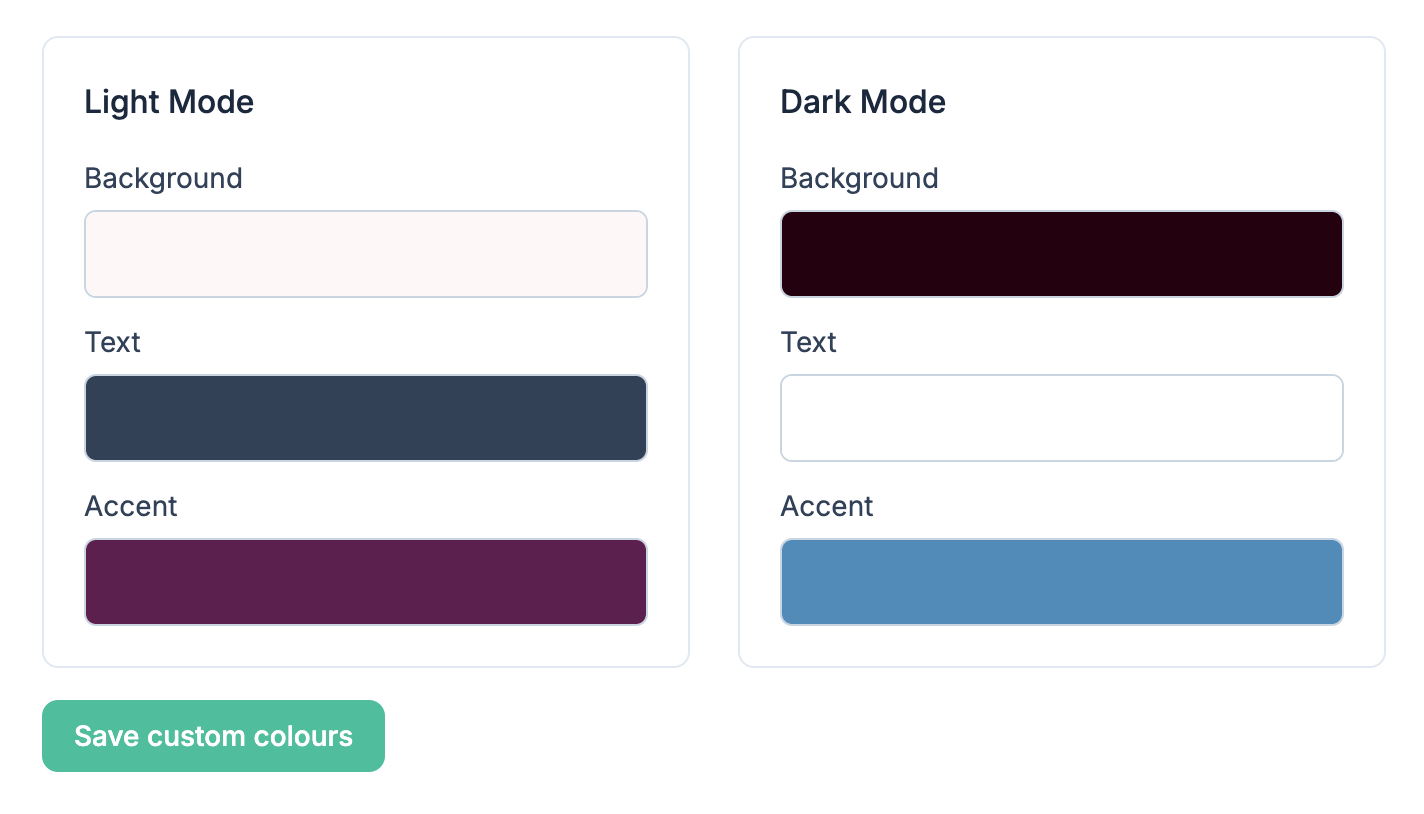
The Appearance page is now more interactive. When you select a colour scheme, font, width, or layout, that setting is now applied immediately. You no longer have to scroll down to press the Update button, and no more being redirected back to Settings each time you make a change.
This makes experimenting with different themes much faster. You can click a theme then refresh your blog in another tab to see the results – zero friction.
The outlier is the Custom theme selector. For various reasons, you have to explicitly click the Save custom colours button when you make changes here.
Faster iteration of Custom CSS
If you use Custom CSS, you'll notice the biggest improvement. Previously, every edit meant:
- change your CSS
- click Update
- get redirected to the Settings page
- check the changes on your blog
- navigate back to Appearance
- scroll down to the CSS editor
- repeat 412 times
I felt your pain!
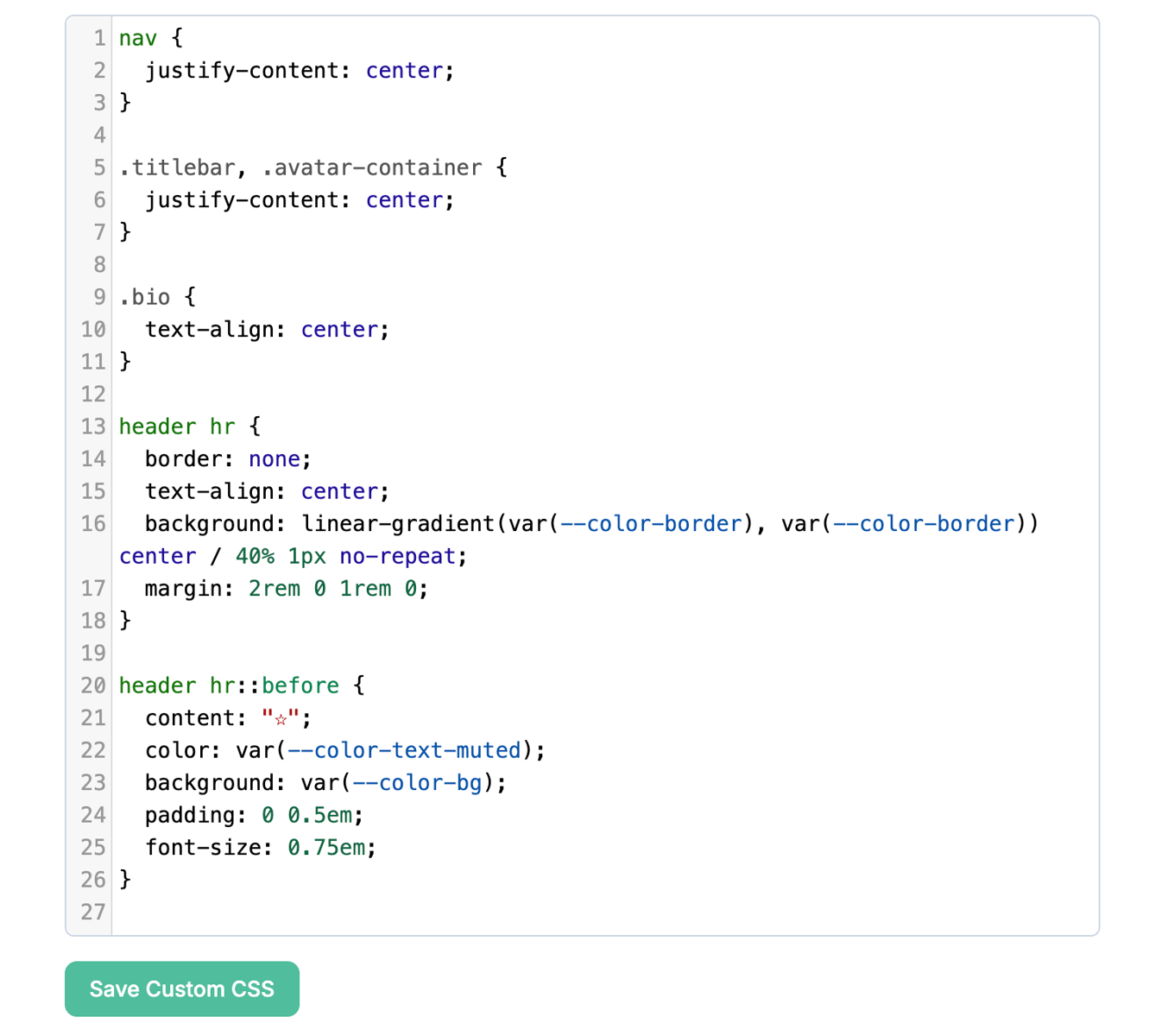
Now there's a dedicated Save Custom CSS button right below the editor. Click this to apply the CSS to you blog, check what it looks like in another tab, then come back and keep editing. The page stays exactly where you are.
These changes are live now. Head to your Settings page to give it a spin.