
Email is part of Pagecord's raison d'etre, so account verification (sign up or log in) has always been accomplished via email. Enter your subdomain and email, receive a "magic link" in your inbox. Click the link and you're logged in. It's simple.
I'm a big fan of magic links over passwords, but sometimes they can be problematic. Delivery is not guaranteed, certainly not instantly, which can be a real vibe killer if you're trying to log in and post to your blog. They can also be problematic on mobiles (try adding Pagecord to your home screen for instance 😬), and they can be phished.
Passwords are arguably worse from a security standpoint because people reuse them (don't do that!) and/or choose weak ones because of password fatigue, but if you use a decent password manager (I like 1Password) then the experience can be both secure and efficient – logging on is almost instant.
Quite a few Pagecord customers have asked for a password log in option, and while I resisted for a while, from today this is now possible. I try and discourage password use on the sign up page because I genuinely think magic email links are better, but you can now choose to set a password when you sign up if you like.
If you're a customer already, you just need to do a password reset to add a password to your existing account.
How to log in with a password
The log in screen looks pretty much the same (subdomain, email) but now there's a Log in with password instead link.
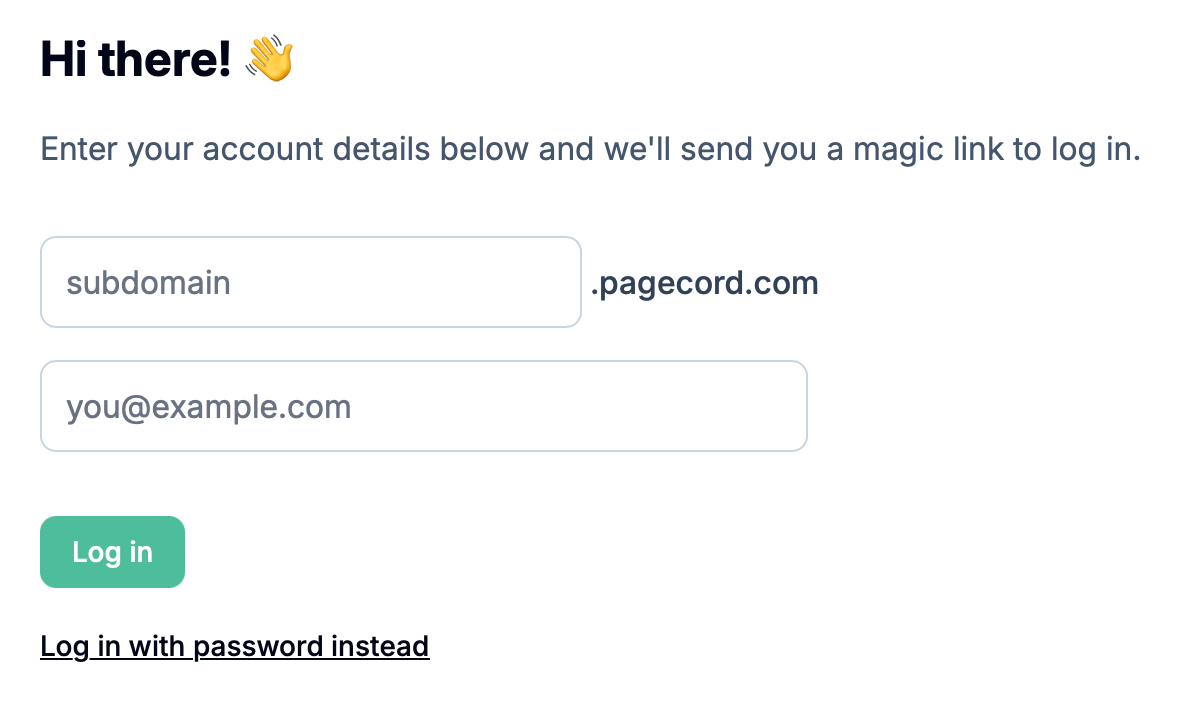
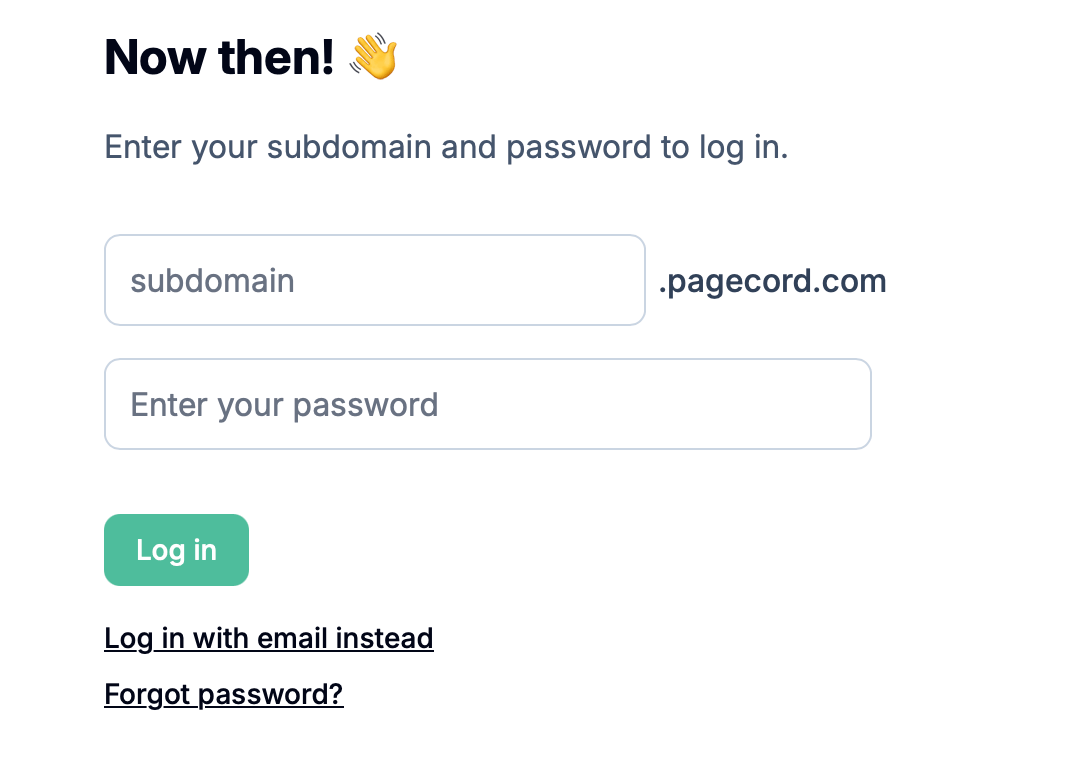
Click on the Log in with password instead link to bring up the new form which takes subdomain and the password. There's also a link to the Forgot Password feature.
Hopefully this new feature is a nice improvement for those people looking to use their password manager for Pagecord. And for everyone else, there's no change! Logging in is identical to how it was before. You only need to set a password if you really want.