
Pages in Pagecord already support a handful of dynamic variables. For instance, you can include a list of posts within a page by adding:
{{ posts }}You can now specify the style in which this post list is displayed, choosing from one of the existing "titles" (the default), "stream", or "card" layouts:
{{ posts | style: title }}

{{ posts | style: card }}

{{ posts | style: stream }}
These layouts also work with the existing filters, for example:
{{ posts | style: card | limit: 5 }} Or:
{{ posts | style: stream | year: 2026 | sort: asc }}This provides a lot more flexibility for the sort of pages you can create. For instance, perhaps you want a page for all your titleless "microblog" posts?
{{ posts | style: stream | title: false }}Or perhaps you just want your most recent post rendered as a card?
{{ posts | style: card | limit: 1 }}If you don’t set a limit, longer lists will now lazy-load automatically (i.e. infinite scroll, like the primary blog page already does) which should help keep your blog feeling super-fast.
One more thing
Many Pagecord customers love photography, as do I, so I saved a final surprise for you.
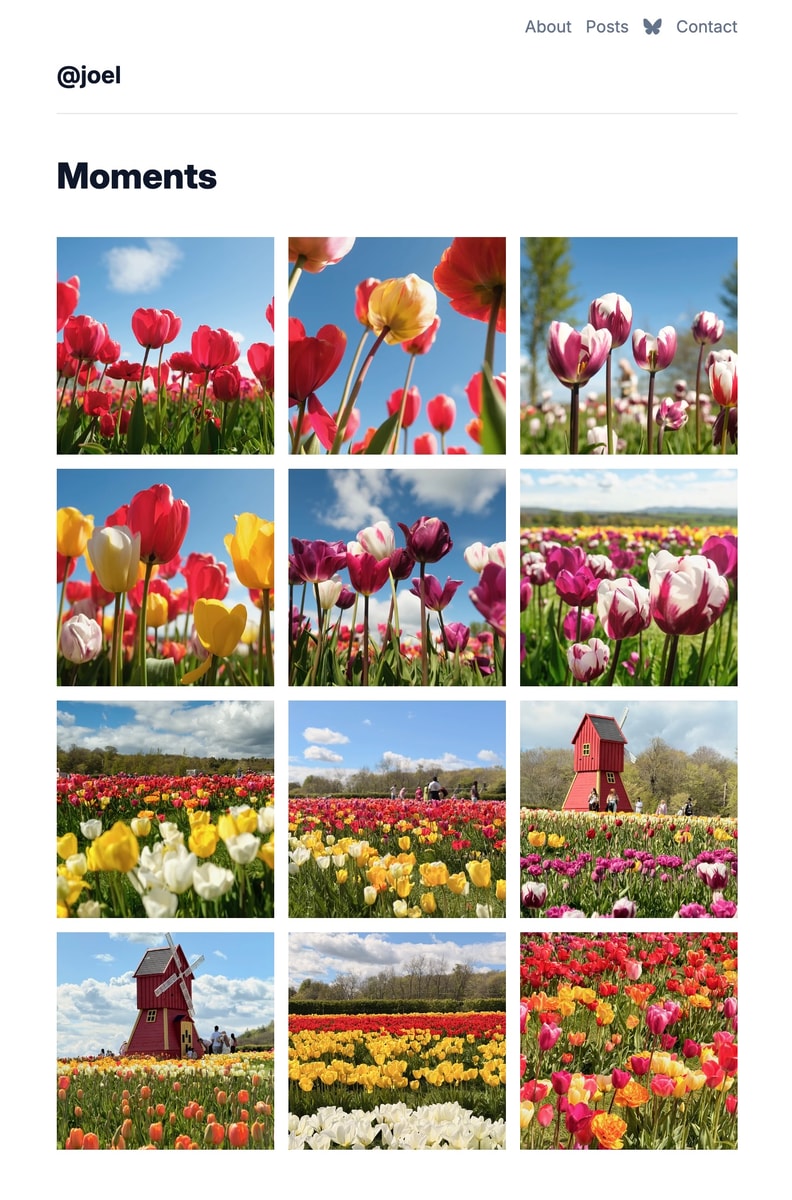
There's now a brand new gallery layout option for embedding posts within a page:
{{ posts | style: gallery }}This new layout renders your posts as a grid of square image thumbnails, each of which link through to the original post. Only posts with images are included (either the open graph image, or the first image in the post), so it’s perfect for photo galleries, travelogs or 'photo a day' projects.
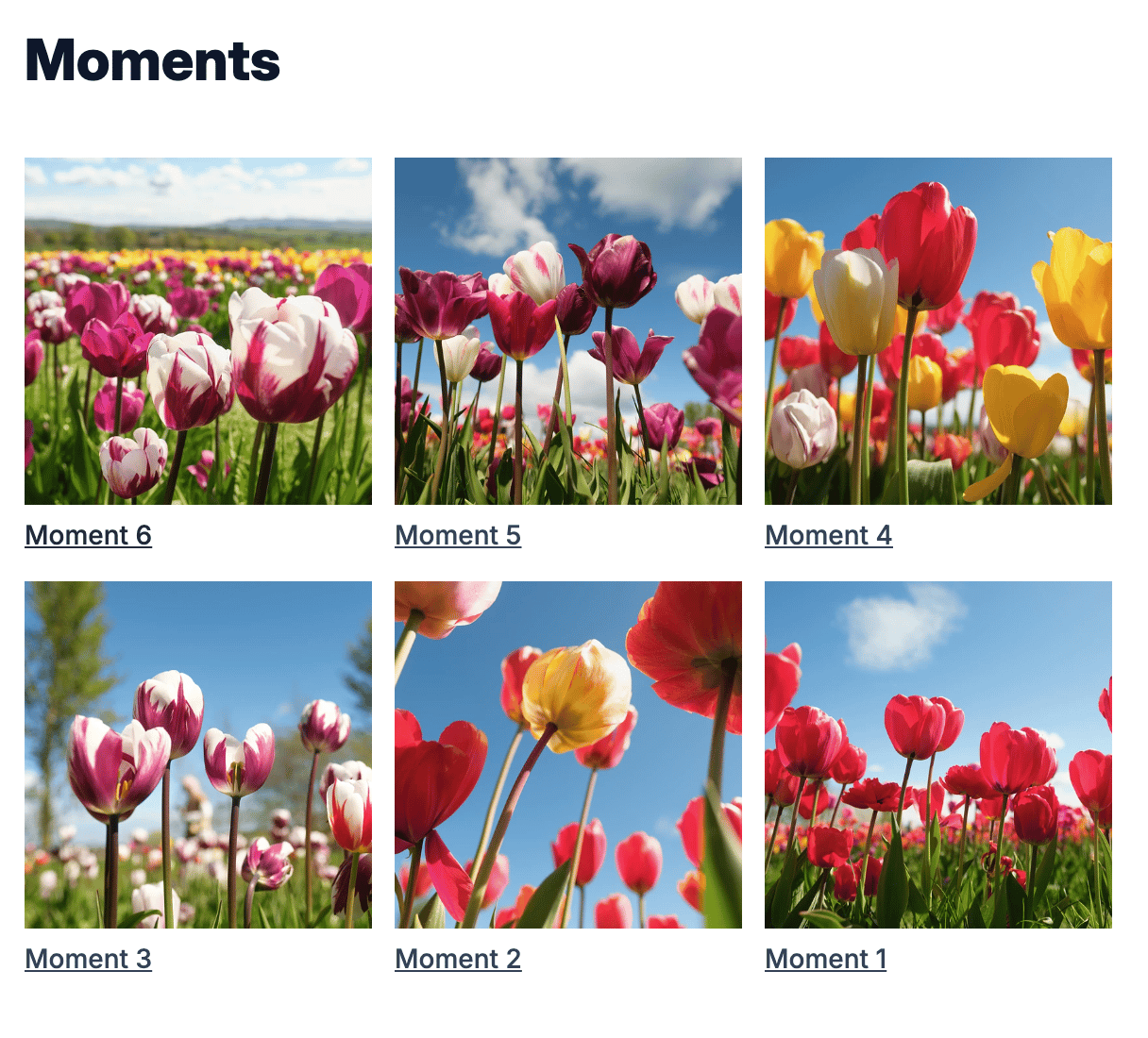
There's also a hidden .posts-gallery-title element which you can surface with some custom CSS if you'd like your titles to appear below the image:
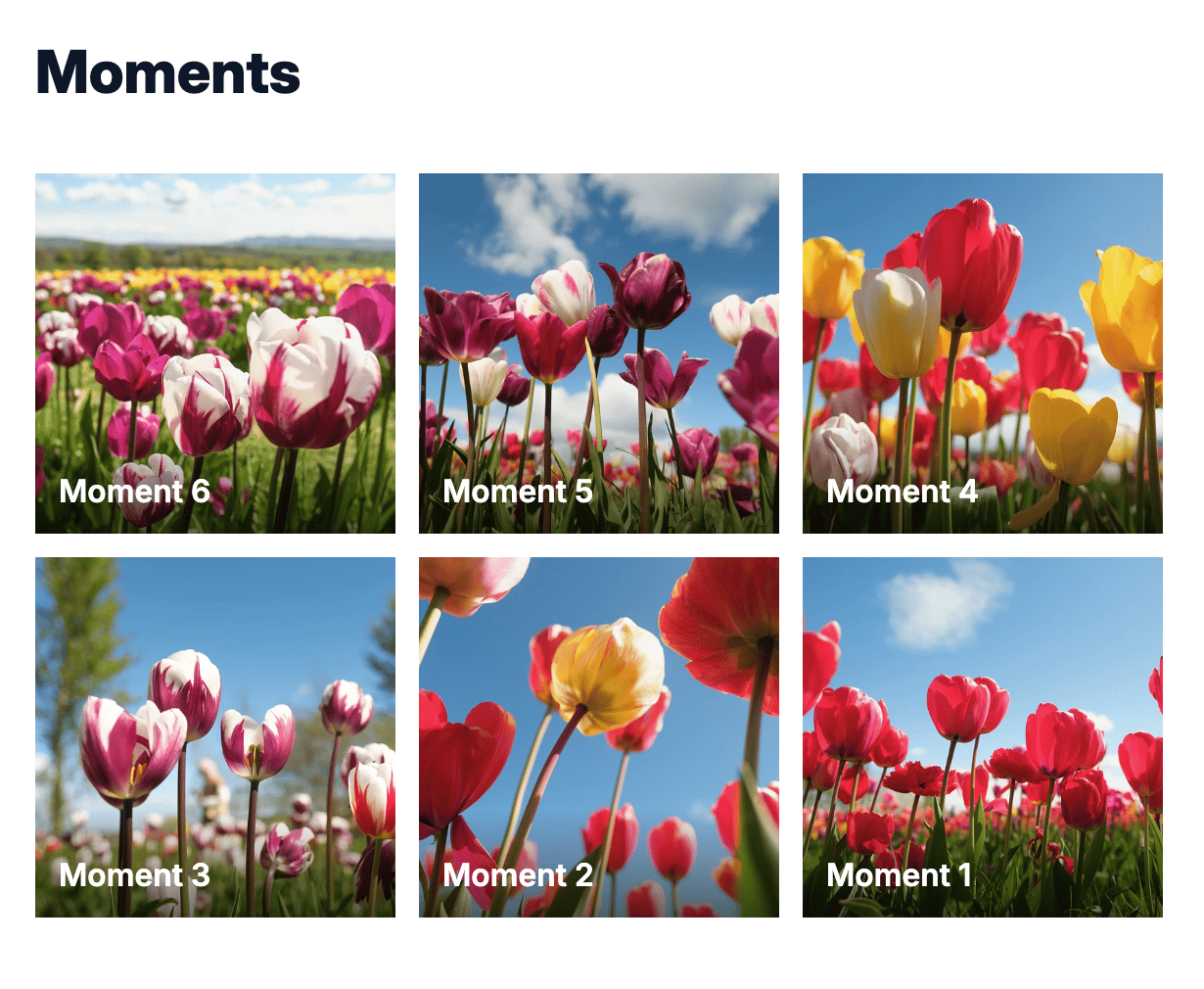
Or, with a bit more CSS, you can overlay the title like so:
The full list of options is in the dynamic variables help guide (https://help.pagecord.com/dynamic-variables-for-pages).
I hope you like this new feature!