
Since the launch of Custom CSS, Pagecord blogs became customisable and customers have done some very cool things with it.
CSS is very powerful, but sometimes you want to add a little custom content to the layout as opposed to just styling it. Starting today, Pagecord now lets Premium customers add custom HTML to the footer of their blog.
Head on over to Settings → Appearance and just below Custom CSS there's a new Custom footer section. Add your HTML in there and it will appear above the Pagecord logo (if you have this enabled 🙏) at the bottom of your blog:
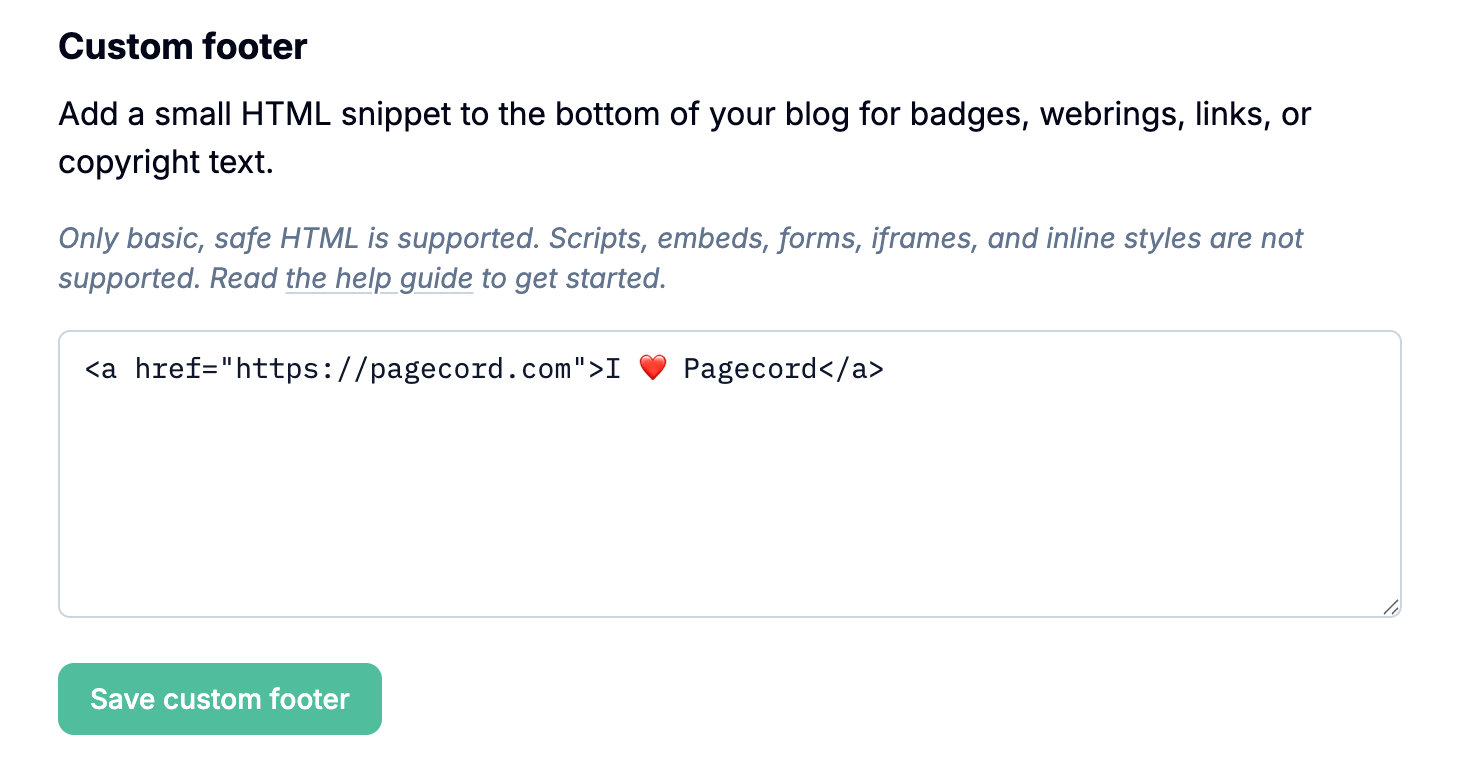
Show me how
The surrounding HTML structure looks like this:
<footer class="blog-footer">
  <div class="custom-footer">
    <!-- Your custom footer HTML gets inserted here -->
  </div>
</footer>
To add a row of 88x31 images you would add this custom HTML in the Settings page:
<a href="https://pagecord.com">
  <img src="https://88x31imgs.blob.core.windows.net/images/Shop_winamp.gif" alt="Winamp">
</a>
<a href="https://pagecord.com">
  <img src="https://88x31imgs.blob.core.windows.net/images/ghanami_jmw_css.gif" alt="CSS">
</a>
<a href="https://pagecord.com">
  <img src="https://88x31imgs.blob.core.windows.net/images/siber79_Fp.gif" alt="Front Page">
</a>
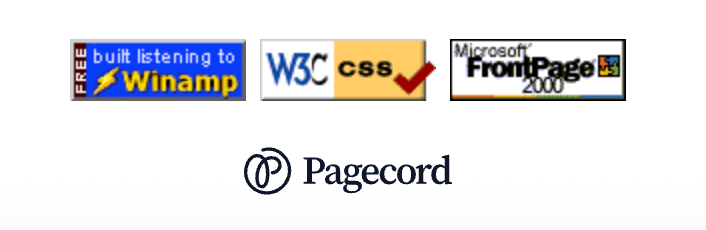
This will result in three centred images like this:
If you wanted just text links:
<a href="https://pagecord.com">Pagecord</a>
⋅
<a href="https://help.pagecord.com">Help Page</a>
⋅
<a href="https://buymeacoffee.com/heyolly">Buy Me A Coffee</a>
Note that this doesn't look great out of the box because of the default styling:

To address this, you need to apply a small amount of custom CSS such as:
.custom-footer a {
  color: var(--color-text);
  text-decoration: underline;
  font-size: 0.875em;
}

.custom-footer a:hover {
  color: var(--color-accent);
}
And now it looks a lot better:

There are a lot of possibilities here, so it'll be fun to see what creative approaches you come up with. Please share!
If you're a bit stuck for ideas, check out Andy Carolan's badges in his shop, or use one of these pretty terrible 88x31 badges I created to get started. If anyone is capable of making a good version of these, please let me know and I'll share with the community :)


Happy styling!