
The list of social links and pages in your blog header is now more customisable! You have a greater choice of what goes in there, and you can reorder the items.
First head to the new Navigation section in your Settings area:
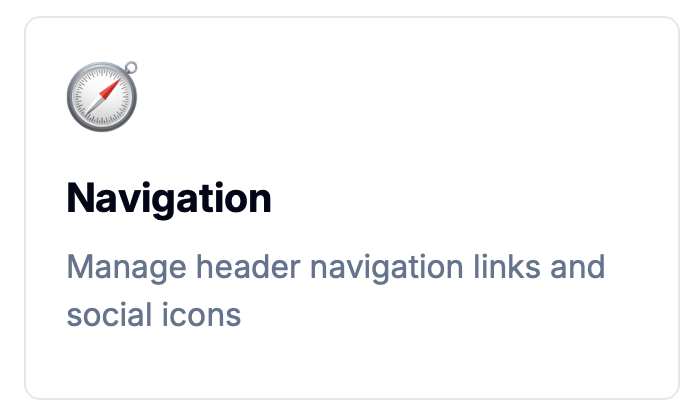
The old Social Links feature has moved from its old home in the Appearance section, and been merged into an all new Navigation Items section.
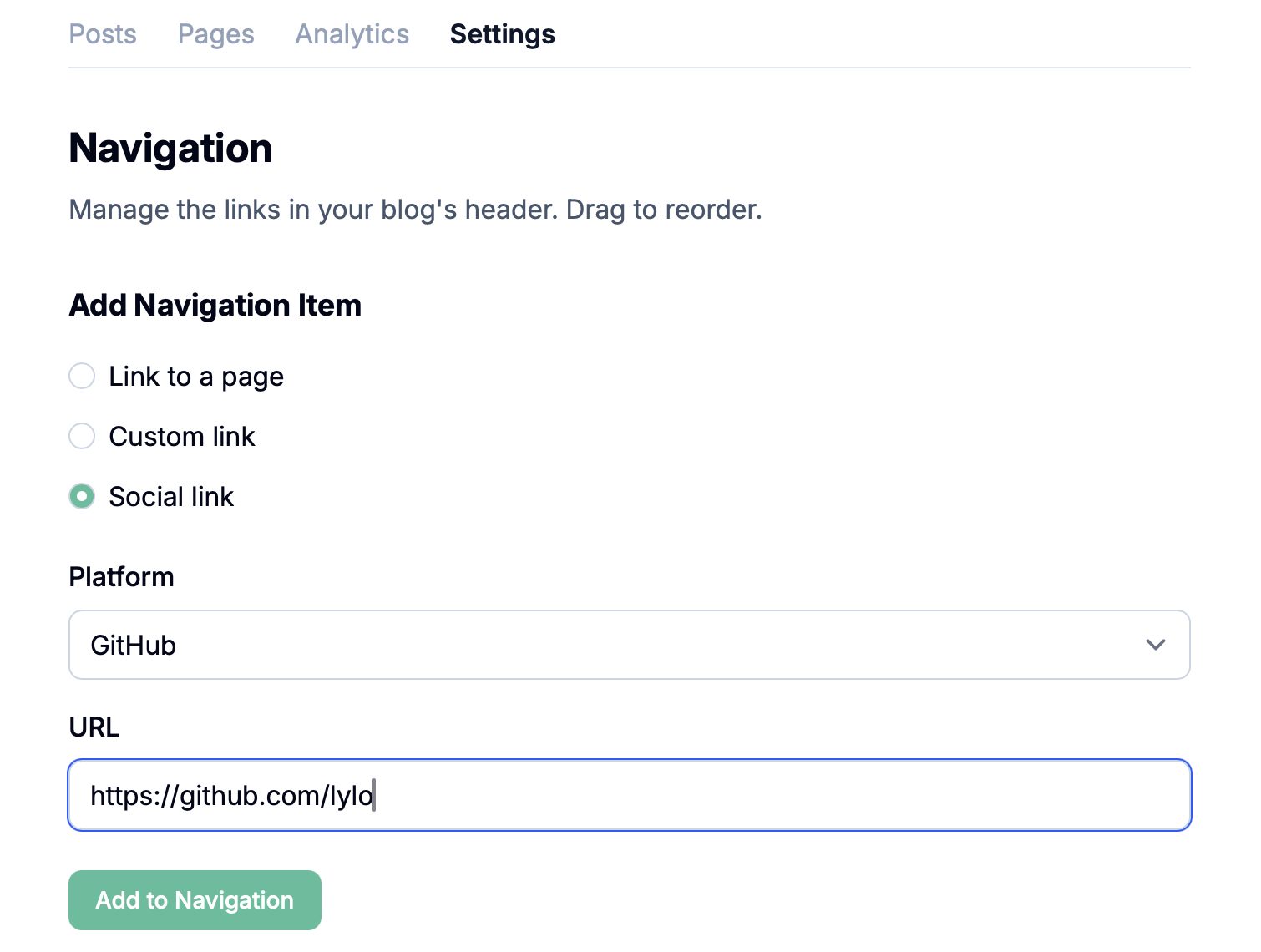
You can add Social Links just as before by selecting a Platform and a URL – these will appear as icons in your navigation.
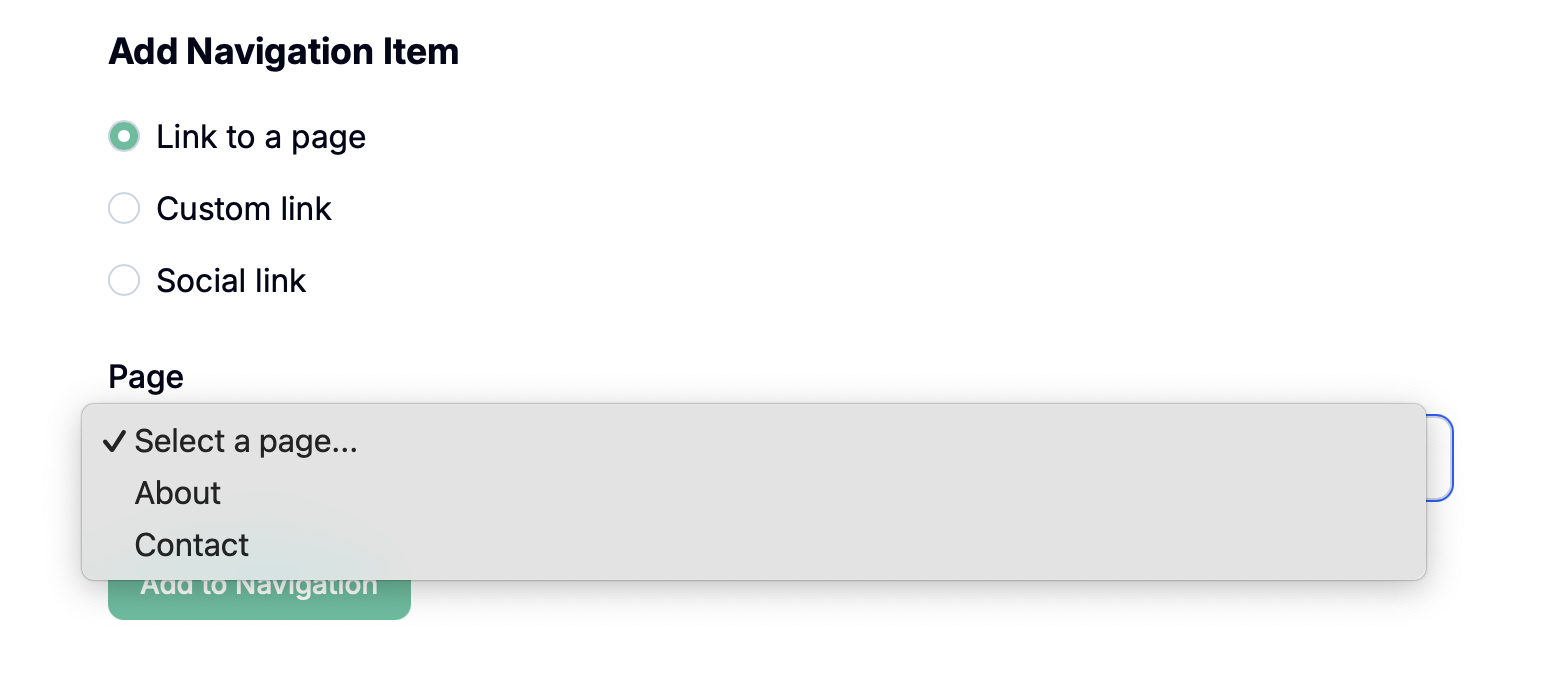
You can link to an existing Page by selecting Link to a page and selecting the page. This replaces the old checkbox on the Edit Page screen.
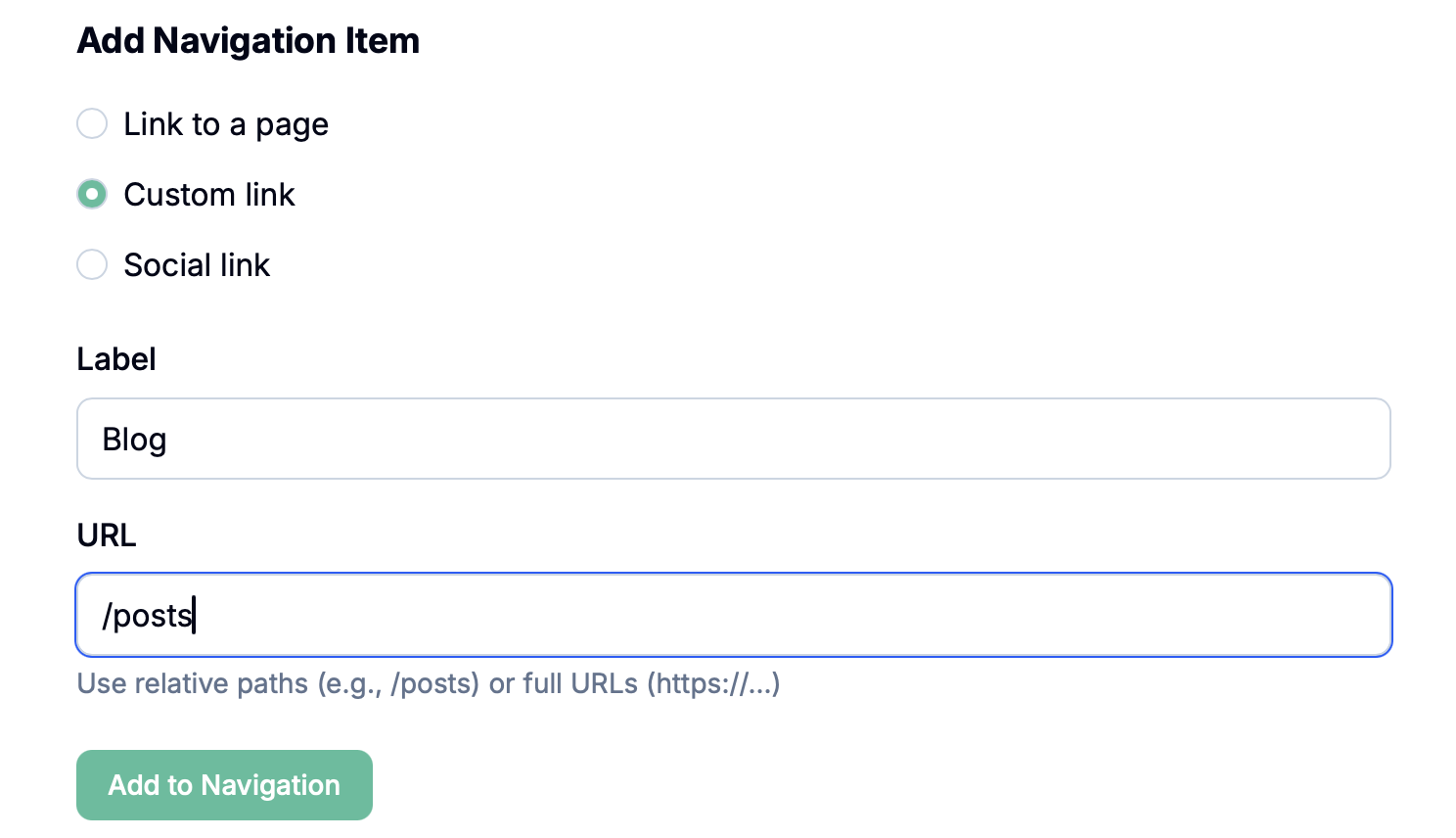
Finally, you can now add a custom link with a custom label. This could be anything on the web! It's particularly useful for linking to your blog posts when you've configured your Pagecord to have a custom home page (an upcoming feature!), for example:
As you add links, you'll see the navigation appear in the top section. Click the handle on the left and you can drag to reorder them! Finally! 😅
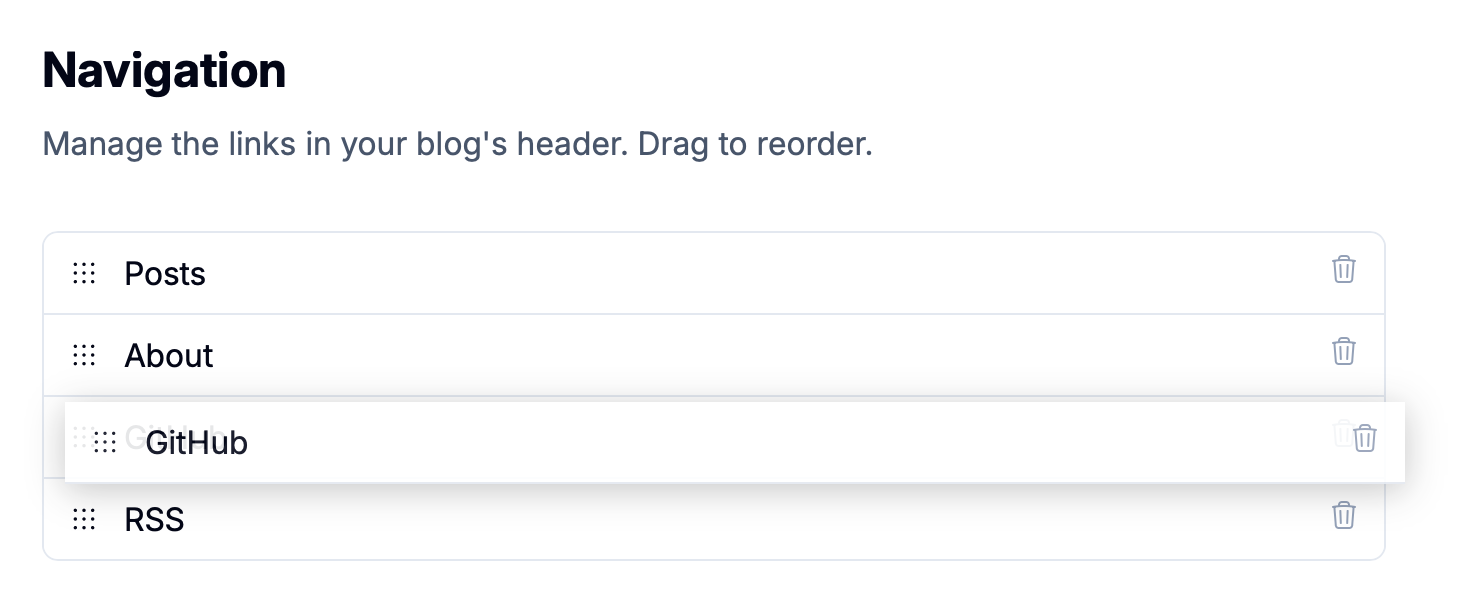
All your existing links have been migrated, so when you visit Settings > Navigation you'll see them all present and correct, and ready to be reordered!