
I'd love customers to blog with Pagecord for years, but it's inevitable that some people will want to move their blog elsewhere eventually. I have no interest in holding data hostage, so I've added a new feature to allow customers to export their Pagecord blog in one click! ✨
(Note: This is currently in beta, so if you want access please email and I'll enable it for you)
It's common for blogging apps to only export data to 'machine readable' formats like JSON or XML, which is great for software developers but unhelpful for everyone else.
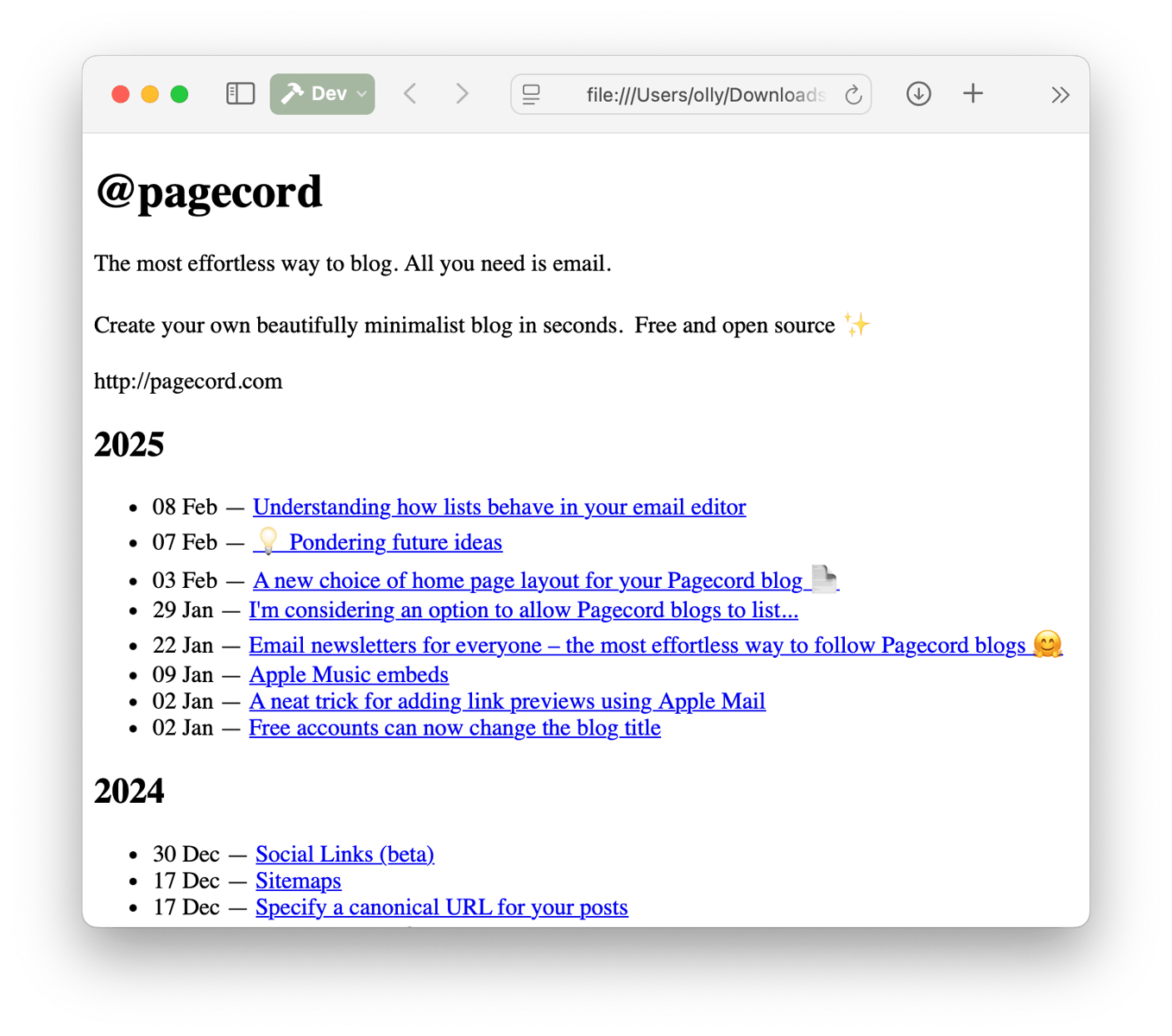
When you export your Pagecord data, you get a ZIP file containing your entire blog in individual HTML files, as well as all the images. This is simple, and really kinda neat – you can take these files, put them on a web server as-is and your site will fully work!
It's worth mentioning that there are no CSS styles in the export, it's just bare bones HTML. I decided to do this because I think it's what most people will want – just the data, not a replica of the way Pagecord currently looks. Here's what you see when you click on the index file:
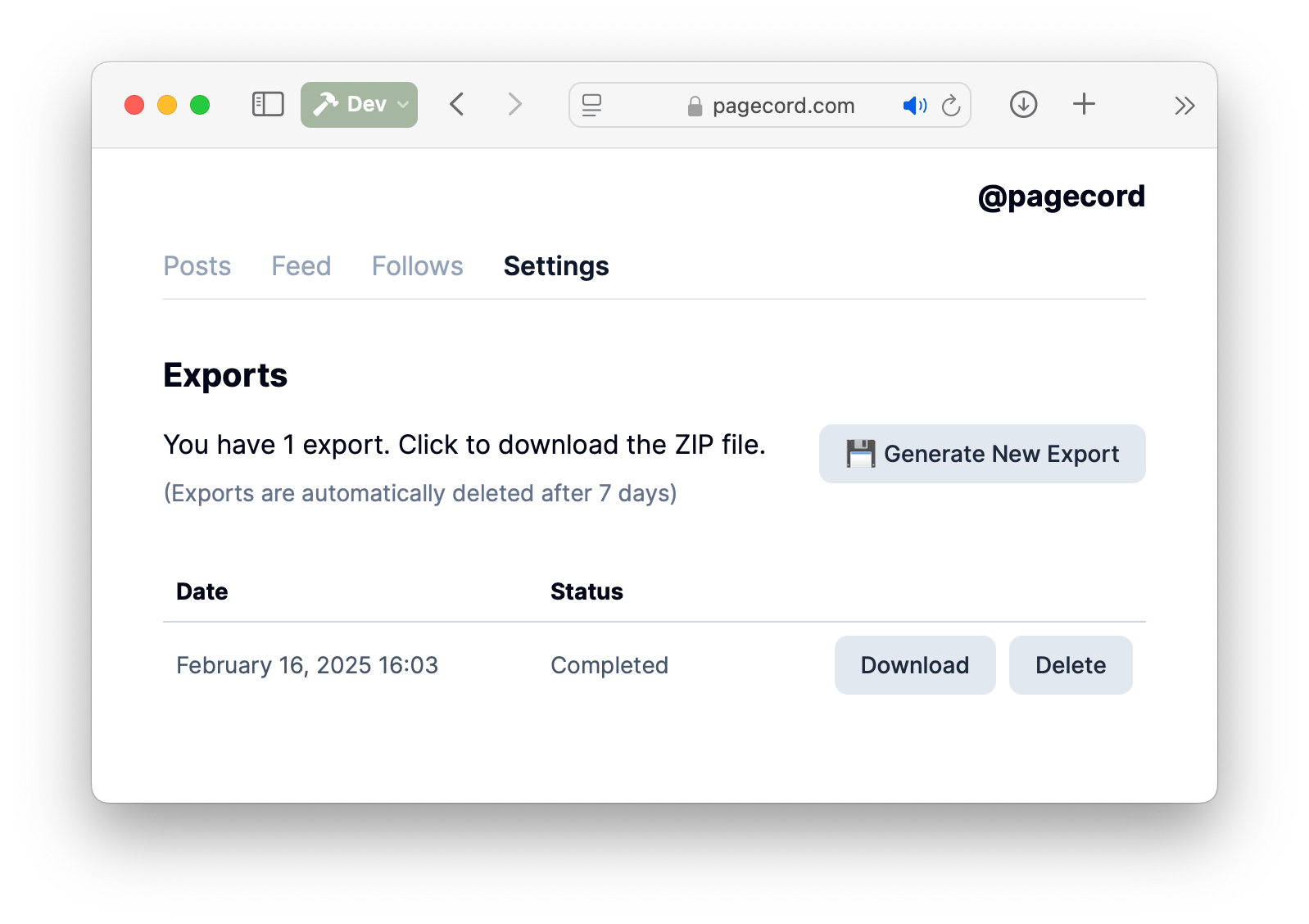
To generate an export, head to the new Exports area in the settings. You can see all your previous exports, which you can click to download or delete. Exports will be automatically deleted after one week, so grab them while they're hot!
As well as being a useful feature in itself for backups, I'm hoping it will reassure customers that Pagecord will never hold their data hostage – it's YOUR data and you're free to download it whenever you like!