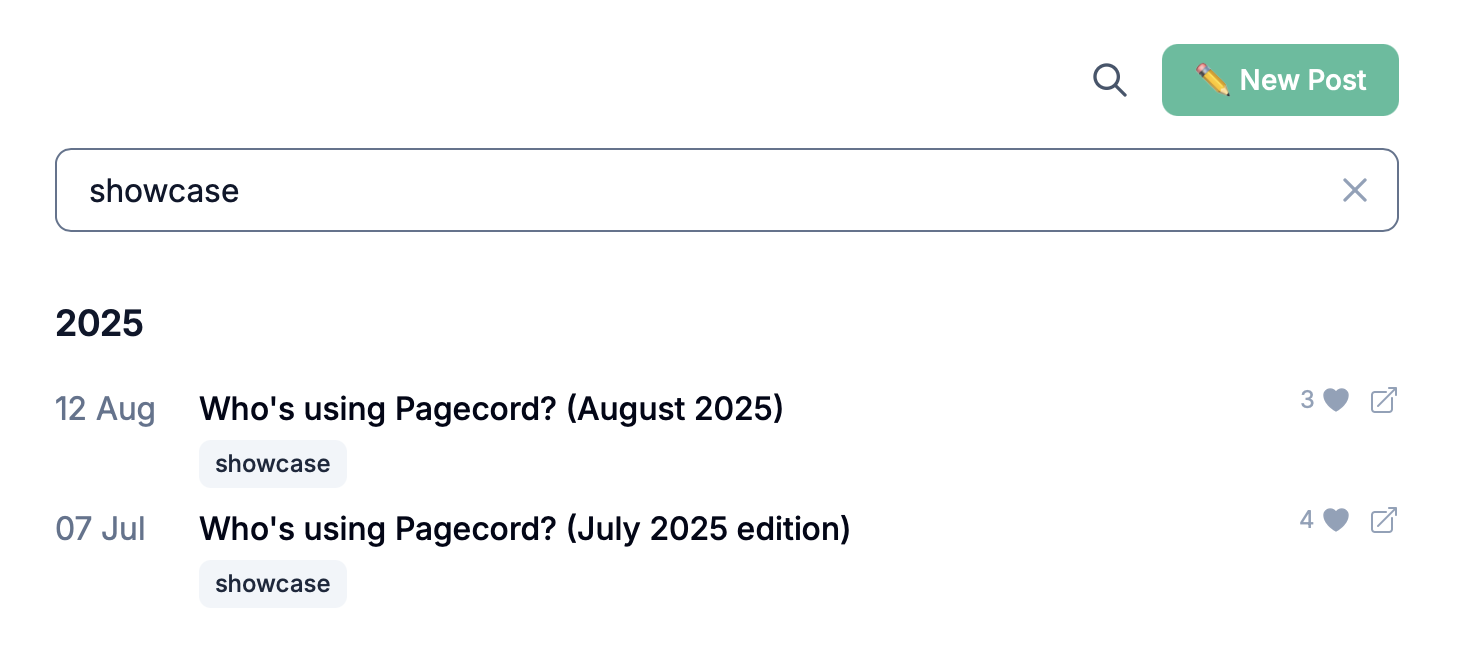
You can now search your posts in the Pagecord admin area. It’s one of those features you don’t realise you need – until the moment you do!
To bring up the search box, click the search icon (next to New Post) or press Cmd+K (Ctrl+K on Windows/Linux). Start typing and the search results will appear as you go. Partial matches and non-consecutive words are supported, which is handy for when you can't quite remember exactly what you're searching for. If you want an exact match, enclose your search "in double quotes". Post titles, body content and tags are all included in the search.
Whether you’re digging up an old draft or trying to find an old post to edit, hopefully this new feature will make the process a lot easier.
Whether you’re digging up an old draft or trying to find an old post to edit, hopefully this new feature will make the process a lot easier.