If you'd like the ability to publish Pagecord blog posts from multiple email accounts, today's your lucky day!
This is a slightly niche feature but it might come in handy if you run several email accounts, or if you want multiple people to author posts on your blog, e.g. a shared travel blog.
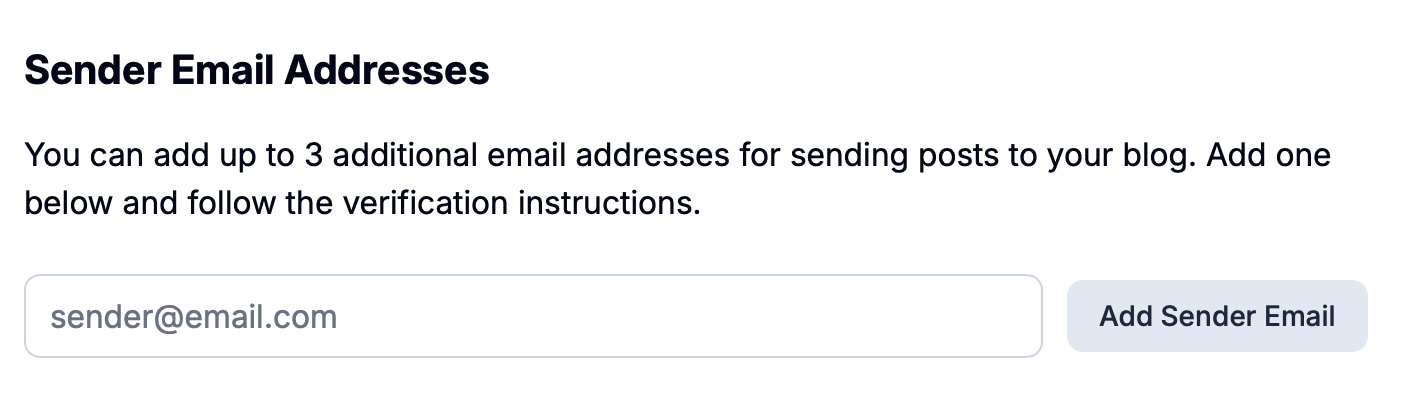
You can add up to 3 additional email addresses by heading to My Account in your settings. In there you'll see a new Sender Email Addresses section:
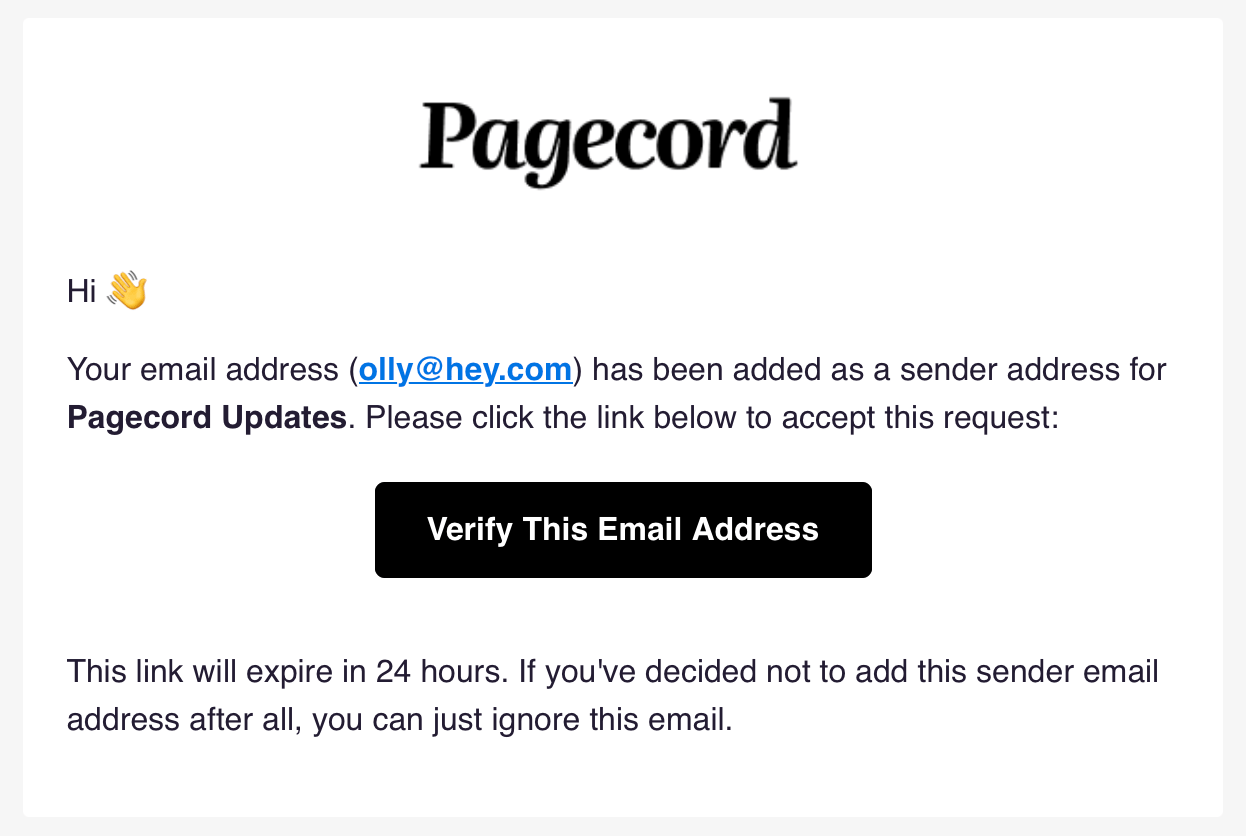
Enter the new email address and click Add Sender Email. This will send a verification email to that email address, like so:
Once verified, your new email address will appear in a list in the Sender Email Addresses section:
To remove a sender email, just click the trash icon.
These additional email addresses are for sending posts by email only. You can't log in with these emails – you must use your primary email for that.