
You can now connect Obsidian to your Pagecord account using the official plugin:
https://community.obsidian.md/plugins/pagecord
How to install
First go to the Settings in Obsidian and browse the Community plugins:

Search for "pagecord":
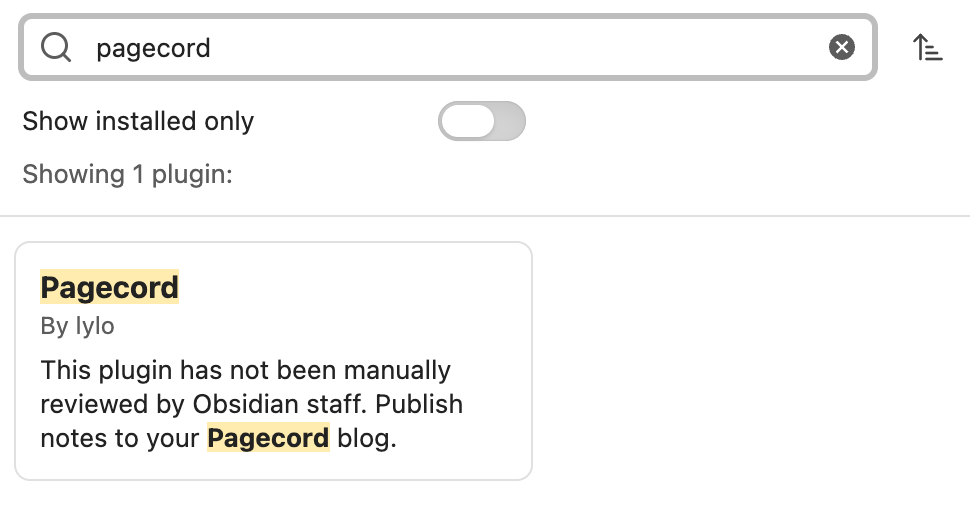
There should only be one, by "lylo". Click on that, which should show you the details as follows (note: the version may change, but at the time of writing it's 1.0.2).
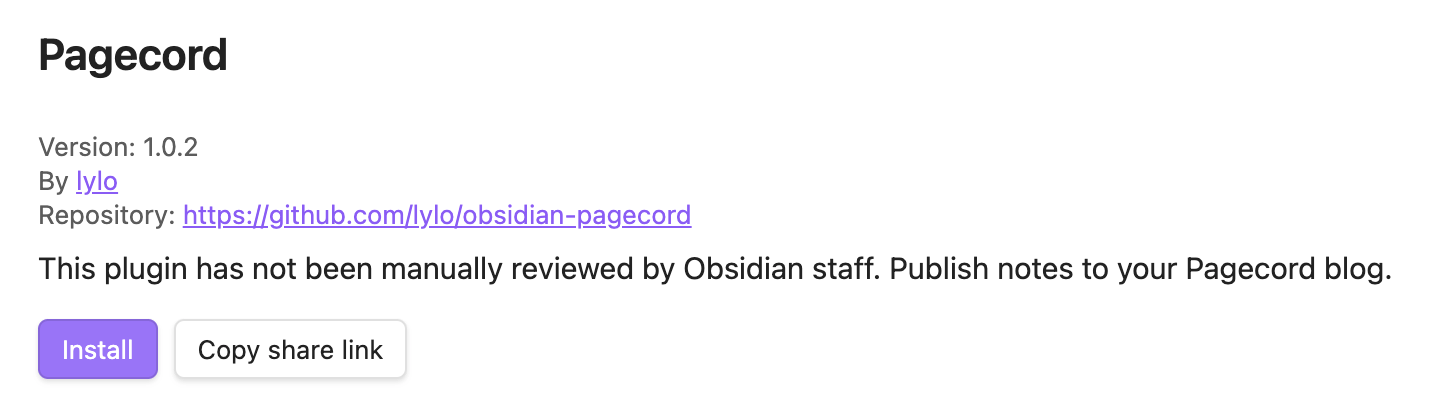
Click Install, then click Enable, then click Options. There is only one option, which is the API key:

You can get your API key (premium customers only) from Settings > API.
Using the plugin
Once enabled, create a new note and open the command palette to see two Pagecord options: Publish as draft, and Publish. Test it out using Publish as draft first, then when you're happy with it, select the Publish option and your post will be live.

The plugin is available on desktop as well as mobile. Enjoy!