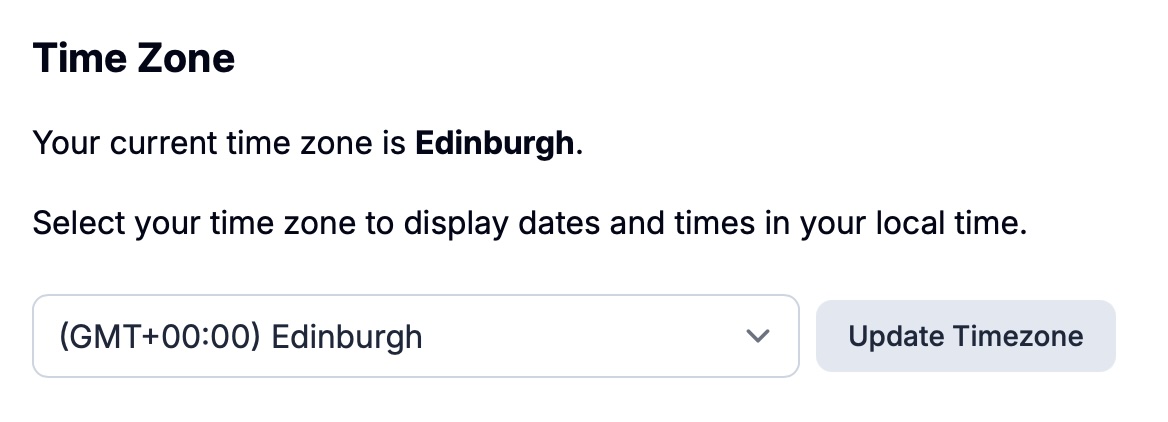
If you head on over to Settings > My Account you'll see a new setting called Time Zone.
Until now, everything in Pagecord was set toUTC which was great for people in the UK (UTC happens to be the same as GMT), but not so much for everyone else. Awkward.
Setting your time zone will ensure your blog posts are shown at the correct local time when you view them in the app. It also means your viewers around the world will see the time you published the blog post in their local time.
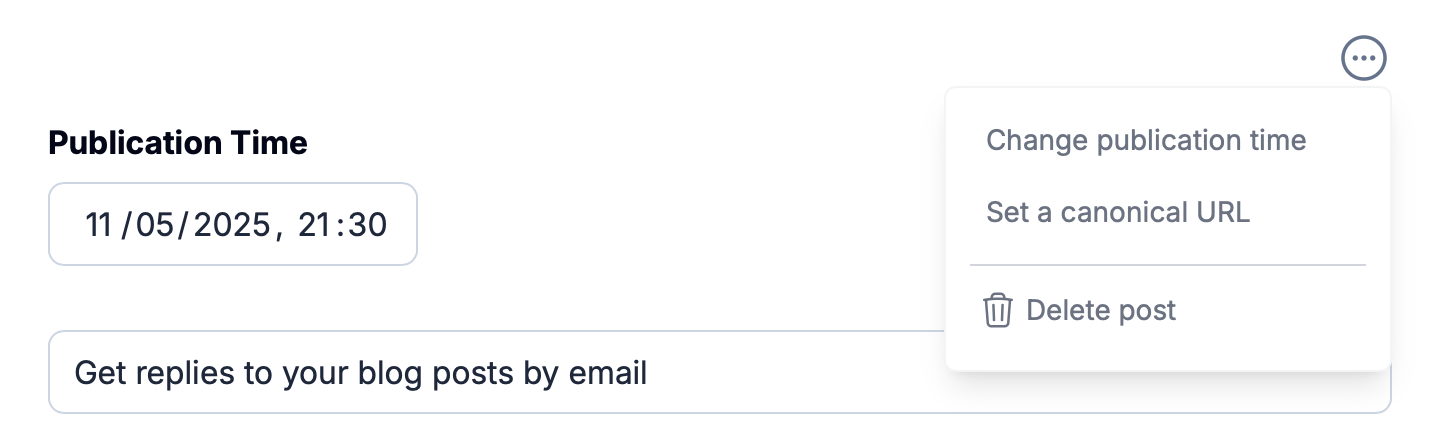
When you edit the publication time of a post, the time you select is your local time. For example, if you set your Pagecord time zone to Hawaii and choose a publication time of 2025-05-11 21:30, that means 21:30 in Hawaii time. If someone in London views that post, they'll see the time as 2025-05-12 07:30 because they're 10 hours ahead.
Time zones can be confusing, but hopefully it will 'just work' and you don't have any bother. If things look awry then please bother me by email or open an issue on GitHub.
New customers signing up should have their time zone set correctly automagically, but existing customers will need to go into Settings > My Account and select the correct one.