
Today is a big day for Pagecord. You can now create a custom home page for your blog! 🥳 This means Pagecord has become more than just a blogging app – it's a mini website builder!
Many people want to use Pagecord as a standalone blog and nothing changes in that regard, but lots of people want their home page to express more about themselves than a list of blog posts can do, and now you can do just that!
There's also a new "variables" feature to insert dynamic content into your pages which will help make your new home page even more expressive!
Let's dig into it.
How to create a custom home page
Pagecord gained a Pages feature a few months ago and this is the basis for the new home page feature, so head to the Pages section where you'll see a new Create Home Page button.
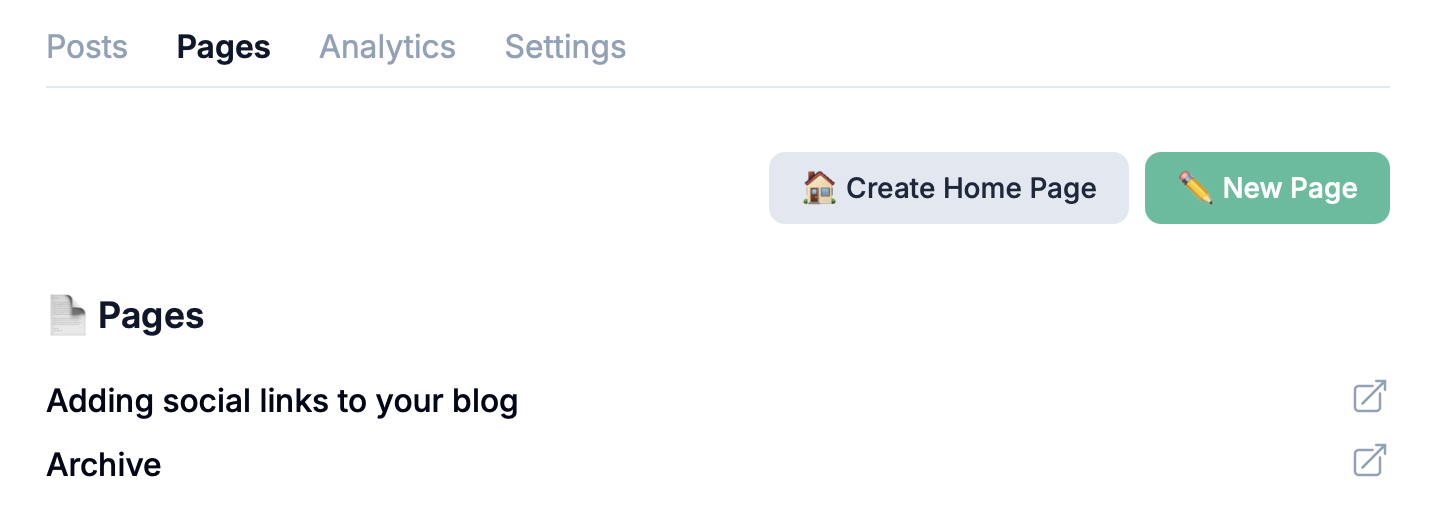
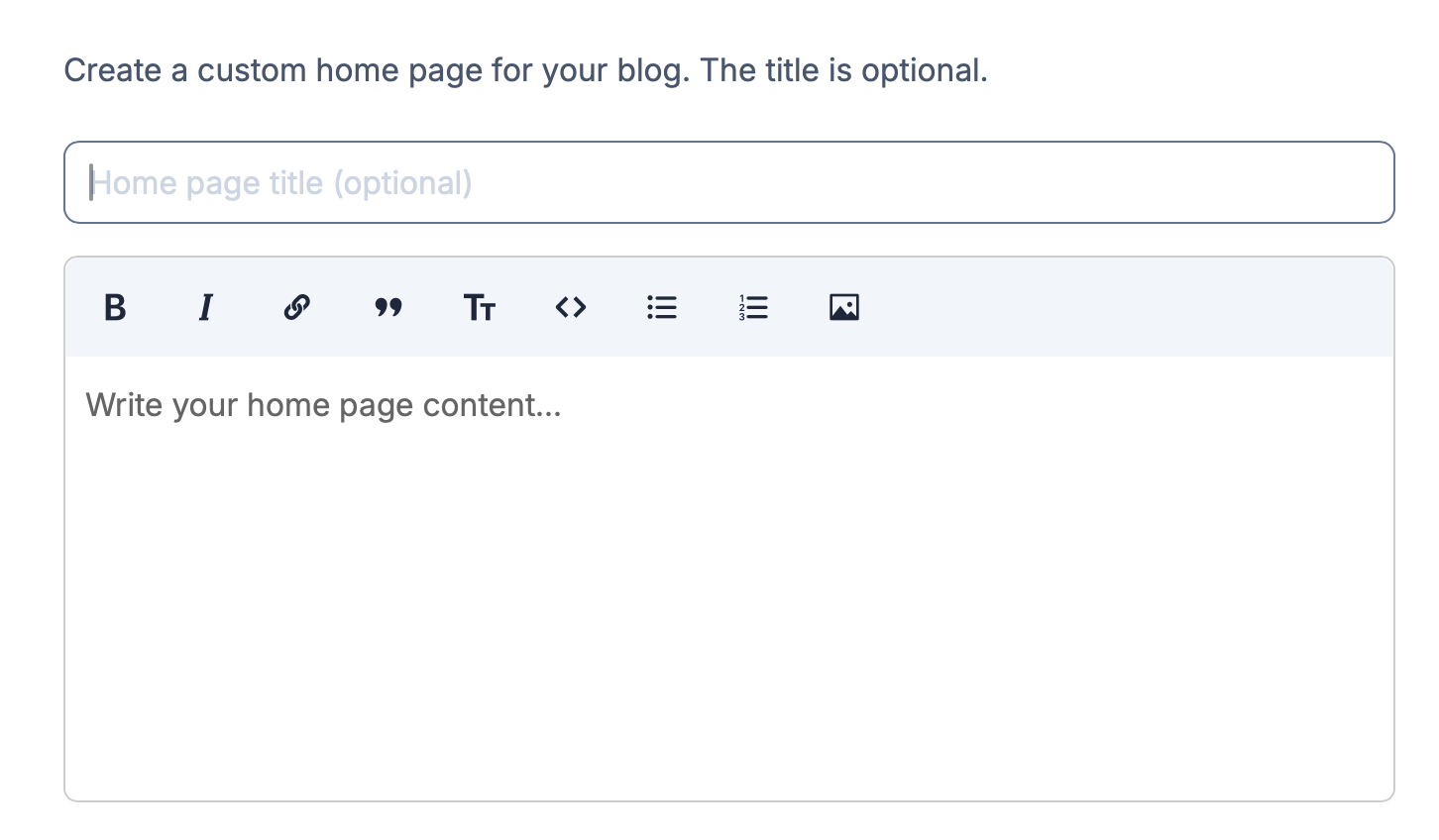
Creating a Home Page in this way is like creating any other page, except the title is optional. You can still add a title if you want a big, bold heading on your home page (it looks kinda cool) of course.
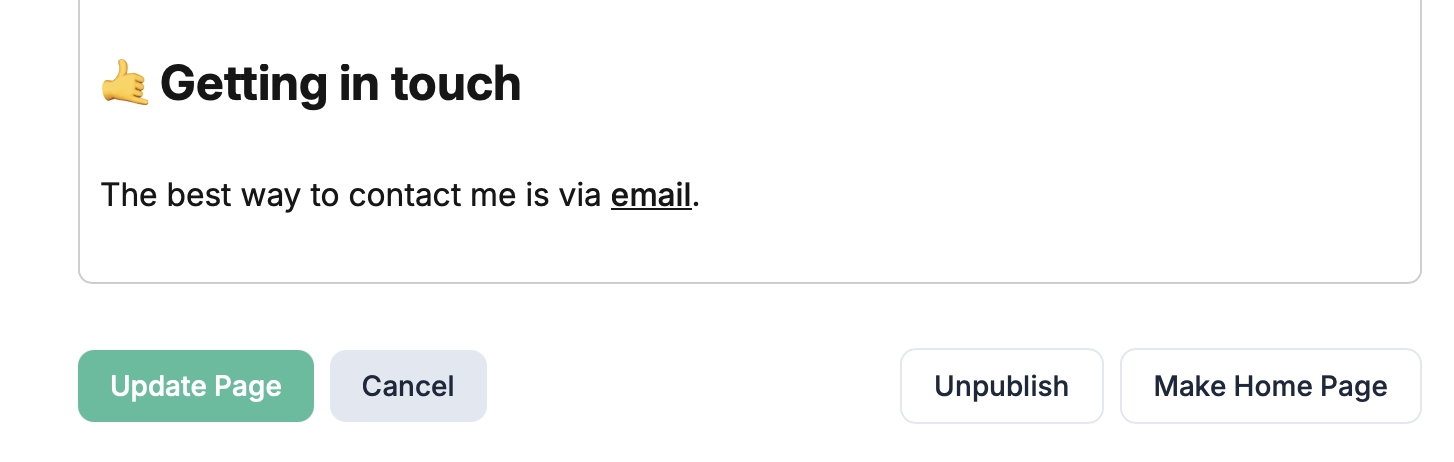
You can also make an existing page (draft or published) your home page by clicking the Make Home Page button when editing the page:
Once you publish your home page, it will be the default when you visit yourblog.pagecord.com (or yourdomain.com if you're using a custom domain).
How to view your blog when you have a custom home page
When you've enabled a custom home page, your blog will be visible using the page /posts, i.e. yourblog.pagecord.com/posts. You will probably want to add a navigation item called, say, "Blog" that points to /posts.
Embedding dynamic content into a page using variables!
It's common to add a list of "latest posts" to a home page, and you can do that with Pagecord!
There are several "variables" – special commands – you can add to your pages to do this. These variables take the form {{ command }} and they're quite powerful.
Inserting a list of posts
To insert a list of all your posts, use the posts command:
{{ posts }} It's more likely you'll want to insert only the latest posts, in which case you can add a filter as follows, which will limit the number of posts to the 5 latest (or whatever number you choose):
{{ posts | limit: 5 }}You can list all posts from a specific year using the year filter:
{{ posts | year: 2025 }}And list all posts with a specific tag using the tag filter:
{{ posts | tag: books }}You can chain these filters if you like, so if you want to embed the 10 latest posts from 2025 which have the tag 'books', you can use:
{{ posts | year: 2025 | tag: books | limit 10 }}If you want to create an archive page, there's a special command which lists posts by year:
{{ posts_by_year }}Inserting a list of tags
If you'd like a list of all your tags, each one being a link to all the posts with that tag, you can use the tags command:
{{ tags }}Inserting an email subscription form
Premium customers can include the email subscription form using the email_subscription tag.
{{ email_subscription }}What's next?
I really hope you like this feature. It's the first feature in a series that will allow you to be more expressive with your Pagecord website. There has been some work going on behind the scenes to simplify things, and next up I'll be introducing a way to take your theme customisation to the next level. I'm keeping that under wraps for the time being, but stay tuned.
In the mean time, happy home paging!