
Your blog posts should never be held hostage by any blogging system. Pagecord has an excellent export feature that provides you with a ZIP file of your entire site – the posts and pages are in simple HMTL format, and the original images are included and referenced correctly from the HTML files. HTML is universal so this should make it somewhat easier to migrate to another platform should you choose to leave Pagecord (😢).
A popular way to host your own blog is to use a static site generator like Jekyll, Bridgetown or 11ty. You can add HTML files to these systems, but it's more common to author posts in Markdown format.
To make the transition from Pagecord to static site generator easier, you can now choose to export your blog content from Pagecord in Markdown format. Head to Settings > Exports and select the Markdown option.
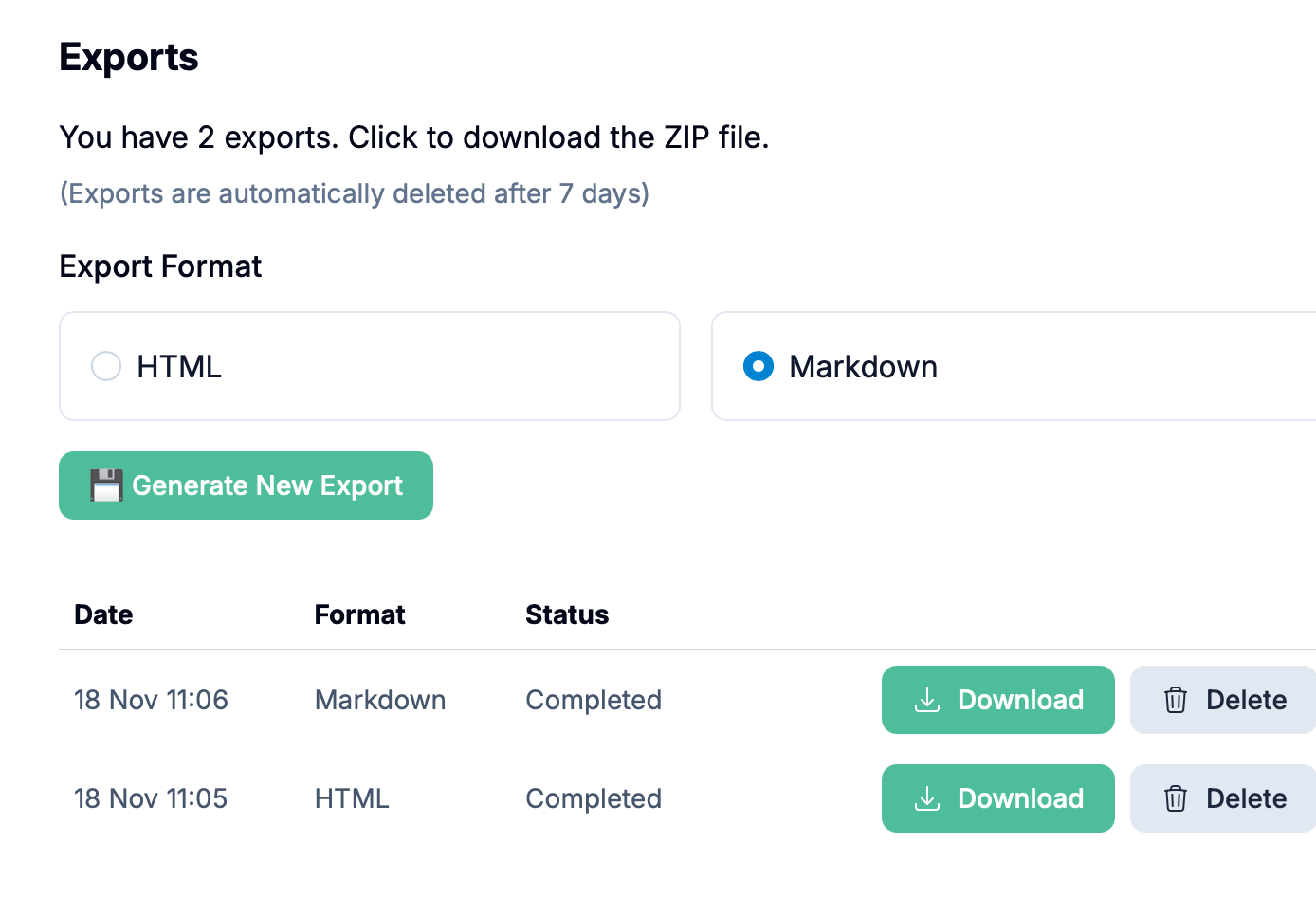
Once the export has completed (this may take a while, depending on the size of your blog and especially how many images you have), you can download your site in one handy ZIP file.
The posts and pages are in individual .md files, and Pagecord even includes a pre-populated front matter section:
---
title: "Photography and Technology"
published: true
published_at: 2025-11-15T10:06:40Z
tags: ["photography", "technology"]
---

# Photography and Technology

Exploring how modern technology is transforming the art of photography.
So, if you decide to roll your own blog with a static site generator, this feature should be a big help.
But please stay – I love having you around! 😊