
A new release of the Pagecord Obsidian plugin is available. This adds support for multiple Pagecord blogs with a refreshed UI and better messages.
Previously the plugin was tied to a single blog API key. Fine for one blog, but if you wanted to publish to two Pagecord blogs from the same Obsidian vault, you couldn't without switching around API keys. Messy.
With this new release, you can add multiple blog connections in the plugin.
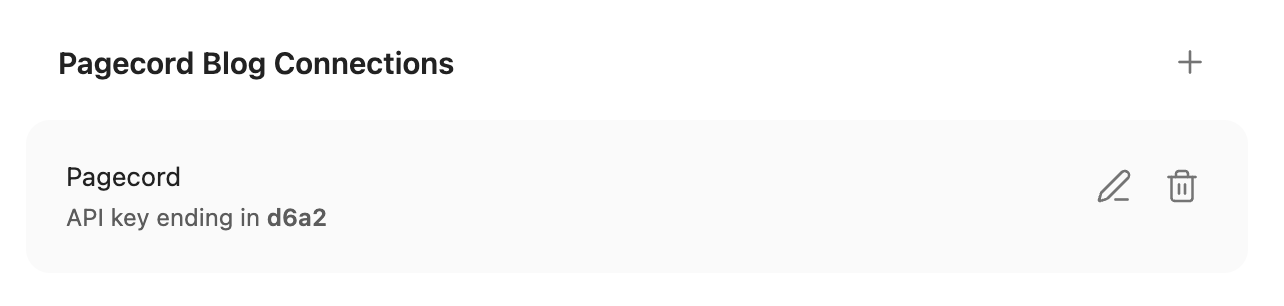
Click the '+' button to add a new one using the new dialog:
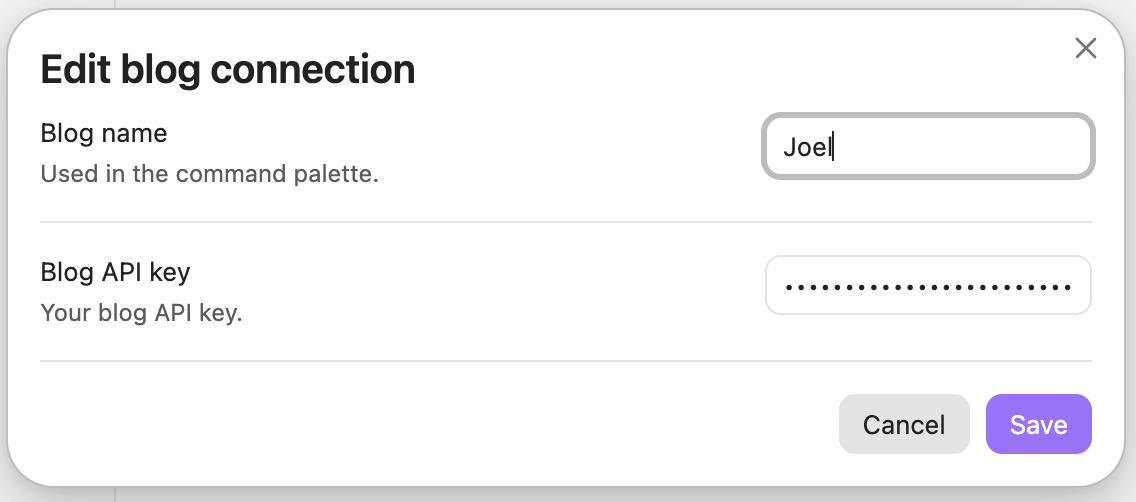
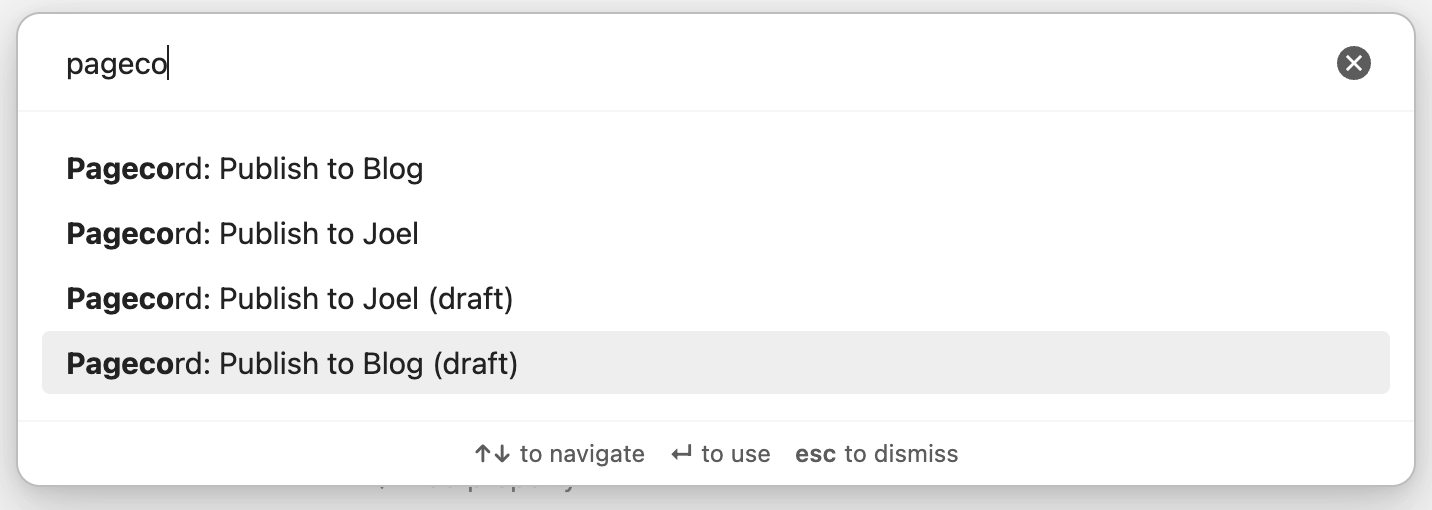
As you can see, each blog connection requires a name and an API key. Once configured, each saved connection gets its own command palette actions:
Publish to Personal BlogPublish to Personal Blog (draft)Publish to Work BlogPublish to Work Blog (draft)
If you already had the plugin installed, you'll want to go into the Community Plugins area in Settings, click Check for Updates and then update the Pagecord plugin to version 1.1.1. The name of your existing connection will default to "Pagecord", so if you'd like to change this, edit your blog connection, give it a new name, and click save.
Existing notes that you already pushed to Pagecord will continue to be in sync. After a successful publish using the new plugin, a new field will appear in the frontmatter (pagecord_blog_fingerprint). You can ignore this – it's used by the plugin to identify which blog you published the note to (edit at your peril!).
For full details, check out the official plugin page.
Note: This release requires Obsidian 1.11.0 or above.